



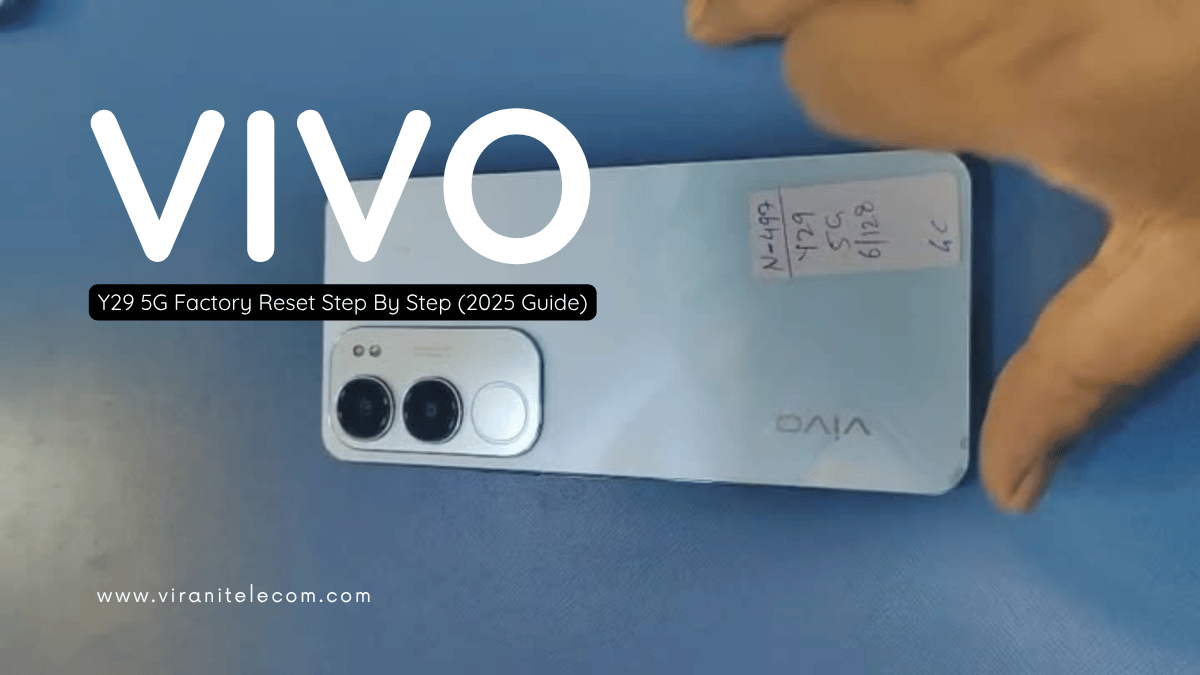
VIVO Y29 5G Factory Reset Step By Step (2025 Guide)
Introduction
If your VIVO Y29 5G is running slow, freezing, or locked with a forgotten password, performing a factory reset (hard reset) can help you restore it to original settings.
At Virani Telecom, we provide expert mobile repair and training services in Dahisar, Borivali, Kandivali, and Andheri, and we’re here to guide you through this simple step-by-step process.
Let’s begin!
Why You May Need to Perform a Factory Reset
A factory reset is useful when:
- Your phone is locked or forgotten password.
- Device is stuck on logo or lagging heavily.
- You want to remove malware or bugs.
- Preparing your phone for resale or trade-in.
⚠️ Note: Factory reset erases all your data, including apps, contacts, and photos.
Backup Your Data Before Reset
Before you reset your VIVO Y29 5G:
- Connect to Wi-Fi or mobile data.
- Go to Settings → Accounts & Sync → VIVO Cloud / Google Drive.
- Backup your contacts, photos, and app data.
- Remove Google Account to avoid FRP (Factory Reset Protection) lock.
VIVO Y29 5G Hard Reset Using Buttons (Without Password)
Step-by-Step Guide:
- Turn off your VIVO Y29 5G completely.
- Press and hold Volume Up + Power Button together.
- When the VIVO logo appears, release the Power Button but keep holding Volume Up.
- Enter Recovery Mode.
- Use Volume buttons to navigate and Power button to confirm.
- Select Wipe data → Wipe data again to confirm.
- Wait for the process to complete.
- Once done, select Reboot system now.
✅ Your VIVO Y29 5G will restart fresh like new!
VIVO Y29 5G Factory Reset Using Settings Menu
If your phone is working normally and you just want to clean it up:
- Go to Settings.
- Tap on System → Backup & Reset.
- Choose Erase all data (Factory Reset).
- Confirm your choice and wait for the process to complete.
🕐 The device will reboot automatically once done.
Post Reset Setup Tips
After the reset:
- Log in with your Google account.
- Restore your backup if you made one.
- Reinstall important apps.
- Update your phone software for better performance.
View on YouTube
Common Issues After Reset & Solutions
| Issue | Solution |
|---|---|
| FRP Lock (Google Verification) | Use the same Google ID previously synced on device |
| Battery draining fast | Update software and disable background apps |
| Slow performance | Clear cache & unnecessary apps |
| Can’t connect Wi-Fi | Reset network settings |
FAQ – VIVO Y29 5G Hard Reset Questions Answered
1. What is the difference between Factory Reset and Hard Reset?
- Factory Reset is done through phone settings.
- Hard Reset is done using buttons (when locked or frozen).
2. Will Hard Reset remove my Google Account?
No, if FRP is enabled, you’ll need to log in with the same Google account after reset.
3. Is Hard Reset safe for my VIVO Y29 5G?
Yes, it’s safe if done properly. It helps restore performance and fix system issues.
4. Can I reset my VIVO Y29 5G without losing data?
No. A factory or hard reset wipes all data, so always backup first.
5. My phone is stuck on the VIVO logo after reset. What should I do?
Perform the reset again or visit Virani Telecom for expert repair assistance.
Conclusion – Visit Virani Telecom for Expert Help
Performing a VIVO Y29 5G Hard Reset can solve many software-related problems, but if your device still faces issues — visit us at Virani Telecom.
We’re trusted experts in Mobile Repair & Training, with centers in:

- Dahisar – HO
Shop No 2D Bldg No.2, Labh Darshan, D Wing, Chhatrapati Shivaji Rd, near Subway, Avdhut Nagar, Dahisar East, Mumbai, Maharashtra 400068 - Borivali
Shop No.5, Thakkar Shopping Centre, Gyan Nagar, Mhatre Wadi, Borivali West, Mumbai, Maharashtra 400092 - Kandivali
Shop No 103, Ground Floor, Raghuleela Mega Mall, Bus Depot, near Poisar, Kandivali, Jai Bhim Sanjay Nagar, Kandivali West, Mumbai, Maharashtra 400067 - Andheri
Shop No 18 2nd Floor, Swami Vivekananda Rd, near Railway Colony, Madhav Nagar, Railway Colony, Andheri West, Mumbai, Maharashtra 400058
💡 Need Professional Help?
Call or Visit Virani Telecom today and get your mobile repaired by experts!

Chetan Virani
October 16, 2025Wow