



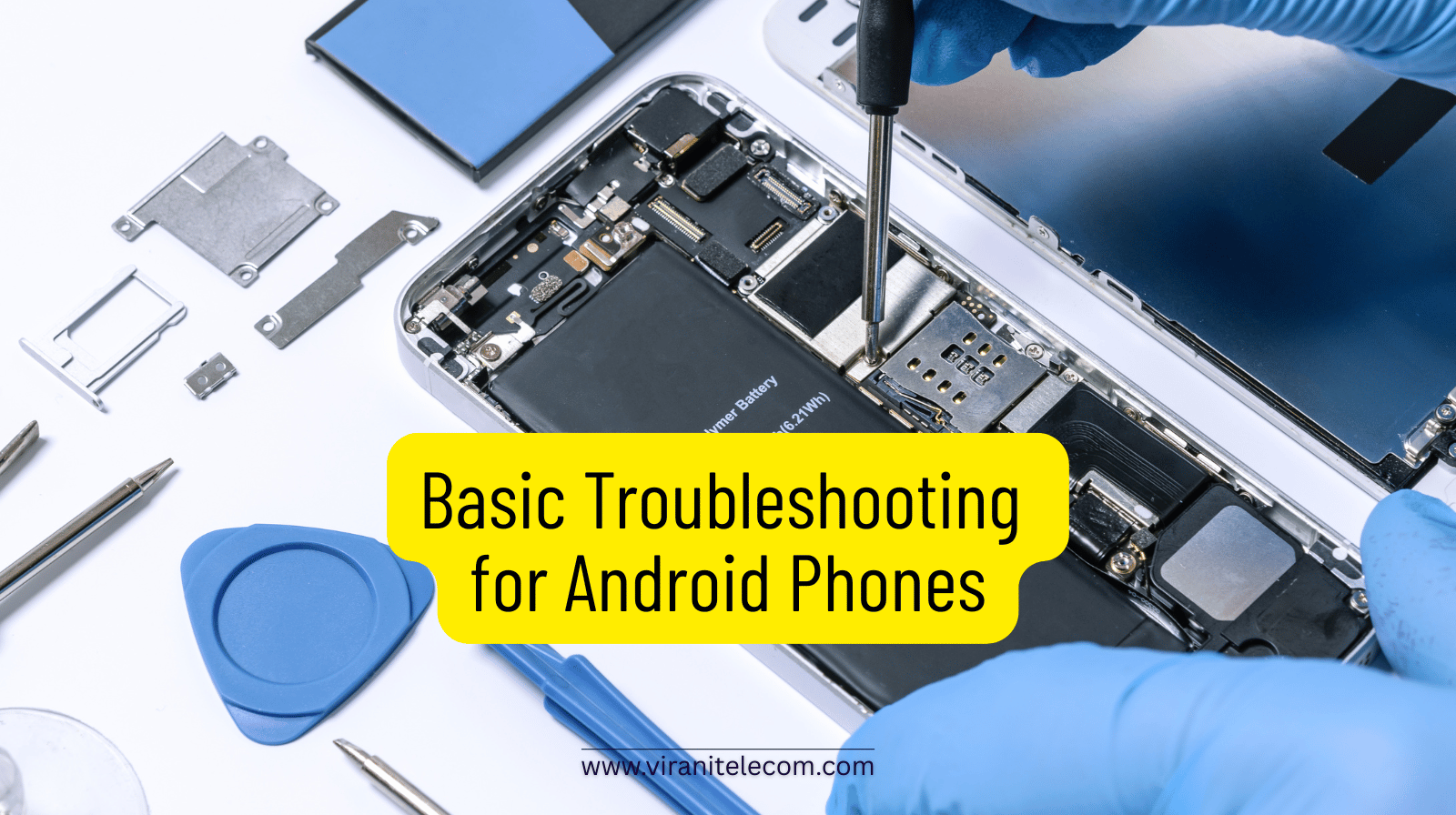
Basic Troubleshooting for Android Phones
By Virani Telecom – Trusted Mobile Repair Service
Android smartphones are powerful, but like any technology, they can face issues over time. From slow performance to charging problems, many common issues can be fixed at home with basic troubleshooting. This guide from Virani Telecom explains simple, step-by-step solutions before you decide to visit a Mobile Repair Service.
Introduction
Android phones are used daily for calls, payments, work, and entertainment. When something goes wrong, it can be stressful. The good news is that many problems have easy fixes. This blog focuses on basic Android troubleshooting and helps you decide when it’s time to visit a trusted Mobile Repair Service like Virani Telecom.
Common Android Phone Problems
Some of the most common issues Android users face include:
- Phone running slow
- Battery draining quickly
- Phone not charging
- Network or Wi-Fi issues
- Apps crashing or freezing
Most of these issues are software-related and can be solved without opening the phone.
Basic Troubleshooting Steps
Restart Your Android Phone
A simple restart can fix many temporary glitches.
- Press and hold the power button
- Tap Restart
- Wait for the phone to reboot
This clears background processes and refreshes the system.
Check for Software Updates
Outdated software can cause bugs and performance issues.
- Go to Settings
- Tap Software Update
- Download and install the latest update
Updates often fix known issues and improve phone stability.
Clear Cache and Storage
Low storage can slow down your phone.
- Go to Settings > Storage
- Delete unused apps, photos, and videos
- Clear app cache (especially social media apps)
This helps your Android phone run smoothly.
Battery and Charging Issues
Phone Not Charging Properly
If your phone is not charging:
- Try a different charging cable and adapter
- Clean the charging port gently
- Avoid using the phone while charging
If the issue continues, it may need professional inspection by a Mobile Repair Service.
Battery Draining Fast
To reduce battery drain:
- Lower screen brightness
- Turn off Bluetooth and GPS when not needed
- Check battery usage in Settings
If the battery still drains quickly, a battery replacement may be required.
Network and Connectivity Problems
For network or internet issues:
- Turn Airplane Mode ON for 30 seconds, then OFF
- Restart the phone
- Reset network settings
If calls drop or data doesn’t work even after this, it could be a hardware or SIM-related issue.
When to Choose a Professional Mobile Repair Service

You should visit a professional Mobile Repair Service if:
- The phone doesn’t turn on
- Screen is cracked or touch not working
- Water damage has occurred
- Charging port or battery needs replacement
Virani Telecom offers expert diagnosis, genuine parts, and reliable solutions.
Frequently Asked Questions (FAQs)
Q1. Why is my Android phone slow even after clearing storage?
This can happen due to outdated software or too many background apps. A software check or professional diagnosis can help.
Q2. Is it safe to replace an Android battery?
Yes, but it should always be done by a professional Mobile Repair Service to avoid damage.
Q3. How often should I update my Android phone?
You should update whenever a stable update is available for better security and performance.
Q4. Can water-damaged phones be repaired?
In many cases, yes. Immediate inspection by a repair expert increases the chances of recovery.
Conclusion
Basic troubleshooting can solve many Android phone problems and save time and money. However, for hardware issues or serious faults, trusting a professional Mobile Repair Service is the safest option.
📱 Need expert help?
Visit Virani Telecom today for fast, affordable, and trusted Android phone repair services.
- Dahisar – HO
Shop No 2D Bldg No.2, Labh Darshan, D Wing, Chhatrapati Shivaji Rd, near Subway, Avdhut Nagar, Dahisar East, Mumbai, Maharashtra 400068 - Borivali
Shop No.5, Thakkar Shopping Centre, Gyan Nagar, Mhatre Wadi, Borivali West, Mumbai, Maharashtra 400092 - Kandivali
Shop No 103, Ground Floor, Raghuleela Mega Mall, Bus Depot, near Poisar, Kandivali, Jai Bhim Sanjay Nagar, Kandivali West, Mumbai, Maharashtra 400067 - Andheri
Shop No 18 2nd Floor, Swami Vivekananda Rd, near Railway Colony, Madhav Nagar, Railway Colony, Andheri West, Mumbai, Maharashtra 400058
