


Vivo V40 Hard Reset Step-by-Step Guide
Introduction:
If your Vivo V40 is running slow, locked with a forgotten password, or stuck on a logo screen — don’t worry! A hard reset can help you restore your phone to its original factory settings.
In this guide, experts from Virani Telecom Training Center, one of Mumbai’s trusted names in Vivo Mobile Repair, explain how to safely perform a hard reset on your Vivo V40. Whether you’re a user or a student learning smartphone repair, this step-by-step guide (with video) will help you do it right.
What is a Hard Reset?
A hard reset (also known as factory reset) is a process that erases all data and restores your smartphone to its original factory condition. It’s useful when:
- You forget your pattern or password.
- The phone hangs or crashes often.
- You want to clear all personal data before selling it.
When Should You Hard Reset Vivo V40?
You should perform a hard reset when:
- The device is stuck on boot or frozen.
- You can’t access settings due to a forgotten PIN.
- The system is running slow or lagging.
- You suspect a software issue after an update.
⚠️ Important Precautions Before Hard Reset
Before you begin:
- 🔋 Charge your phone to at least 50%.
- 💾 Backup your data, as this process will erase everything.
- 🔐 Remove Google Account if possible to avoid FRP (Factory Reset Protection) lock.
Step-by-Step Guide: Vivo V40 Hard Reset
Follow these simple steps carefully:
Step 1: Power Off the Device
Press and hold the Power button, then tap Power Off. Wait until your Vivo V40 completely shuts down.
Step 2: Enter Recovery Mode
- Press and hold Volume Up + Power button together.
- Release only the Power button when the Vivo logo appears.
- Keep holding Volume Up until the Recovery Mode menu appears.
Step 3: Navigate in Recovery Menu
Use the Volume buttons to scroll and Power button to select.
Step 4: Select “Wipe data”
Choose “Wipe data” → “Wipe data” → Confirm “Yes”.
Wait for the process to complete.
Step 5: Reboot System
Once done, select “Reboot system now”.
Your Vivo V40 will restart as a brand-new phone.
Watch Video Tutorial by Virani Telecom
👉 Watch the Full Hard Reset Tutorial Here:
📺 Vivo V40 Hard Reset Step-by-Step (Video) – Virani Telecom YouTube Channel
In this video, our certified trainers at Virani Telecom Training Center walk you through the entire process — visually and practically — making it easy to follow.
Learn Vivo Mobile Repair – Join Virani Telecom Training Center
Want to master Vivo Mobile Repair professionally?
Join Virani Telecom Training Center, with branches in Dahisar, Borivali, Kandivali, and Andheri, where you’ll learn:
- Mobile hardware & software repair
- Android flashing & unlocking
- Troubleshooting for Vivo, Oppo, Samsung & more
- Practical hands-on training with expert mentors
📞 Call Now: +91 70705 03050
🌐 Visit: viranitelecom.com
❓ FAQs About Vivo V40 Hard Reset
Q1. Will a hard reset delete all my data?
Yes. A hard reset erases all files, apps, photos, and accounts. Backup your important data first.
Q2. My phone is FRP locked after reset. What should I do?
You’ll need to verify your Google account details. If you can’t, visit our Virani Telecom service center for expert help.
Q3. Can I hard reset my Vivo V40 without power button?
Yes, it’s possible through ADB commands or Find My Device, but it requires some technical skill.
Q4. How long does a hard reset take?
Usually 3–5 minutes, depending on the phone’s speed and data size.
Q5. Is hard reset safe for my device?
Yes, it’s safe when done correctly. It only removes data — not system files.
Conclusion – Need Expert Help?
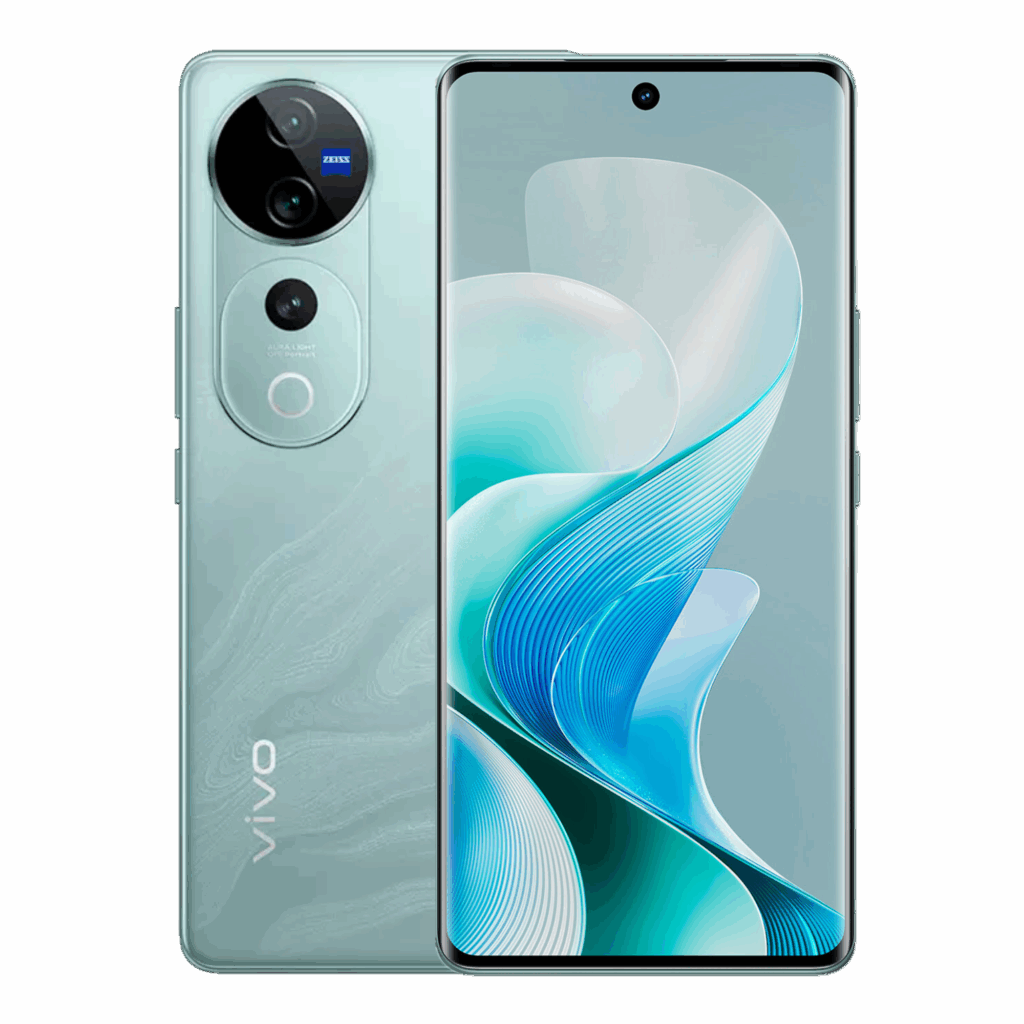
Performing a Vivo V40 hard reset is simple when done right. However, if your phone remains stuck or you face issues like FRP lock, no display, or boot loop, you should seek expert help.
At Virani Telecom, we offer professional Vivo Mobile Repair and mobile repair training courses for beginners and technicians alike.
📍 Visit us in Dahisar, Borivali, Kandivali, or Andheri to get your phone fixed or to start your career in mobile repairing today!

Chetan Virani
October 11, 2025Wow