



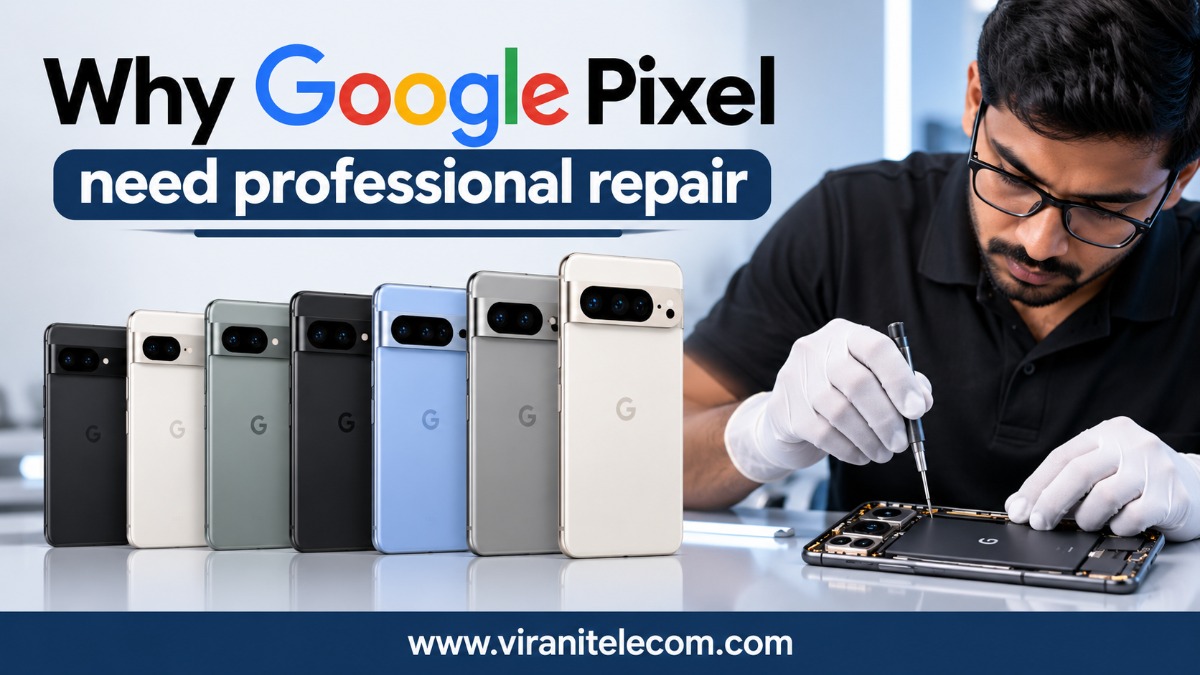
Why does a Google Pixel need professional repair?
Google Pixel phones are known for their clean Android experience, excellent cameras, smart features, and premium design. From older Pixel models to the latest Pixel 11, Pixel 11 Pro, and Pixel 11 Pro XL, these phones contain advanced hardware and software that require careful handling.
But what happens when your Pixel screen breaks, the battery becomes weak, the charging port stops working, or the phone suddenly develops software problems?
A quick local fix may look cheaper, but an inexperienced repair can sometimes create bigger problems.
That is why professional Google Pixel repair is important.
At Virani Telecom, the goal is not simply to replace a damaged part. Professional repair means identifying the actual problem, using the right repair method, protecting the phone’s internal components, and testing the device properly before returning it to the customer.
Why Google Pixel Repair Requires Professional Attention
Modern smartphones are no longer simple devices with easily replaceable parts. A Pixel combines delicate components, compact internal construction, cameras, sensors, display technology, batteries, charging hardware, and software.
A repair mistake can affect another component.
For example, replacing a damaged screen incorrectly could potentially affect the display, touch response, sensors, or other internal connections.
Professional technicians understand that repairing a Pixel is about precision, not just replacement.
1. Pixel Phones Have Advanced Internal Hardware
Google Pixel smartphones use tightly integrated components.
Inside your phone, you may find:
- High-resolution displays
- Multiple camera sensors
- Battery management systems
- USB-C charging hardware
- Speakers and microphones
- Biometric and security-related components
- Motherboard-level components
- Antennas and connectivity hardware
- Various sensors
Because these parts are packed into a small body, careless handling can cause additional damage.
2. The Right Diagnosis Matters
One of the biggest mistakes people make is assuming that the visible problem is the actual problem.
For example, a Pixel that does not charge may have:
- A damaged charging port
- Dirt or debris inside the port
- A faulty charging cable
- Battery-related problems
- Charging IC or motherboard issues
- Software-related charging problems
Simply replacing the charging port without proper diagnosis may not solve the issue.
Professional Diagnosis Saves Time and Money
A skilled technician first checks the device and identifies the likely cause.
This approach can prevent unnecessary part replacement and help customers understand what actually needs to be repaired.
Google Pixel Models That May Need Professional Repair
Google has released several Pixel generations over the years. Each generation has its own hardware design and repair considerations.
Whether you have an older Pixel or one of the newest models, professional diagnosis remains important.
Older Google Pixel Models
Earlier Pixel generations can still be valuable devices, especially when they are in good condition.
Depending on the model, common repair requirements can include:
- Screen replacement
- Battery replacement
- Charging problems
- Camera issues
- Speaker problems
- Microphone problems
- Software troubleshooting
- Power-related faults
Older does not necessarily mean unusable. A proper repair can sometimes extend the useful life of a phone.
Google Pixel 6 Series
The Pixel 6 generation introduced a major design change and powerful hardware.
Common repair concerns can include:
- Broken or cracked display
- Battery performance problems
- Charging issues
- Camera problems
- Speaker or microphone faults
- Software issues
- Physical damage after a drop
Because modern Pixel phones contain delicate internal components, professional repair is preferable to experimenting with unknown repair methods.
Google Pixel 7 Series
The Pixel 7 family continued Google’s focus on camera performance and AI-powered features.
Users may seek repair for:
- Display damage
- Battery degradation
- Charging problems
- Camera issues
- Connectivity problems
- Software glitches
- Accidental water or liquid exposure
A technician should inspect the device before recommending a particular repair.
Google Pixel 8 Series
The Pixel 8 generation brought further improvements to Google’s smartphone hardware and software experience.
Common service requirements can include:
- Pixel screen repair
- Battery replacement
- Charging port diagnosis
- Camera troubleshooting
- Speaker repair
- Microphone issues
- Software troubleshooting
- Damage caused by accidental drops
With newer phones, it is especially important to avoid low-quality replacement parts or improper repair techniques.
Google Pixel 9 Series
The Pixel 9 family introduced several models and continued the premium direction of the Pixel lineup.
Potential repair needs include:
- Cracked screen
- Broken back glass
- Battery issues
- Charging faults
- Camera problems
- Speaker problems
- Software errors
- Physical damage
Premium phones deserve careful repair because a poor repair can reduce the phone’s reliability and overall user experience.
Google Pixel 10 Series
The Pixel 10 generation represents a newer generation of Google’s smartphone technology.
As smartphones become more advanced, repairs increasingly require:
- Accurate diagnosis
- Proper tools
- Compatible replacement components
- Careful disassembly
- ESD-safe handling
- Correct assembly
- Thorough testing
For expensive smartphones, professional repair can be a much safer choice than trying an unverified repair method.
Google Pixel 11, Pixel 11 Pro & Pixel 11 Pro XL
The latest Pixel generation includes the Google Pixel 11, Pixel 11 Pro, and Pixel 11 Pro XL.
These premium models should be treated with particular care during repairs.
As the Pixel lineup becomes more advanced, technicians need to understand the specific construction and components of the individual model.
Potential Pixel 11 Repair Requirements
Depending on the issue, customers may require professional assistance for:
- Screen and display damage
- Battery-related problems
- Charging issues
- Camera faults
- Speaker and microphone problems
- Connectivity issues
- Software troubleshooting
- Physical damage
- Power-related faults
Pixel 11 Pro Repair
The Pixel 11 Pro is a premium smartphone, so an incorrect repair can be costly.
Professional repair can help reduce the risk of:
- Additional internal damage
- Poor-quality replacement parts
- Improper assembly
- Display or touch problems
- Charging problems after repair
- Unresolved underlying faults
Pixel 11 Pro XL Repair
The larger Pixel 11 Pro XL also requires model-specific handling.
Before replacing a component, a technician should determine whether the problem is actually caused by that component.
The basic rule is simple: diagnose first, repair second.
Common Google Pixel Problems That Need Professional Repair
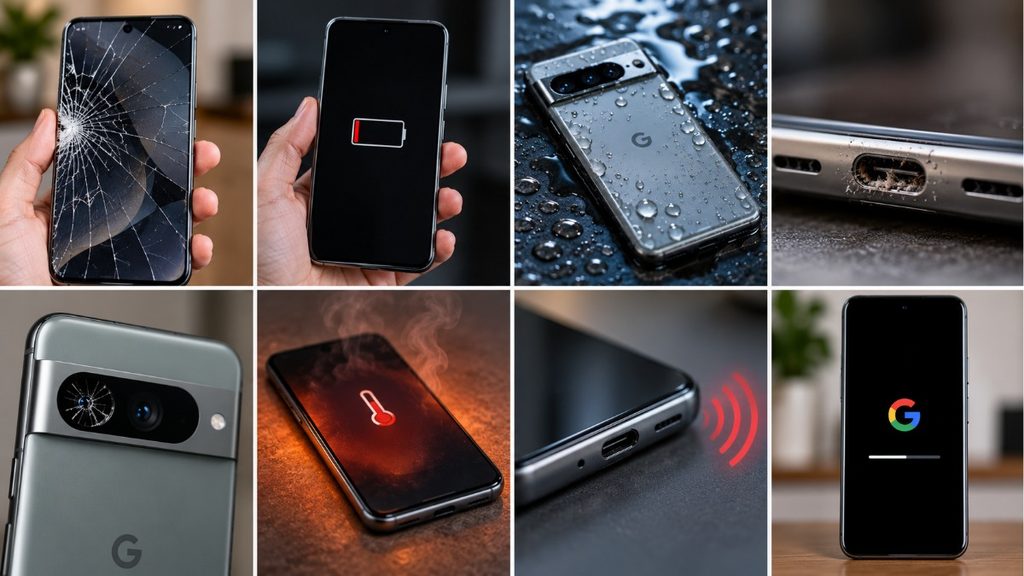
Cracked or Broken Screen
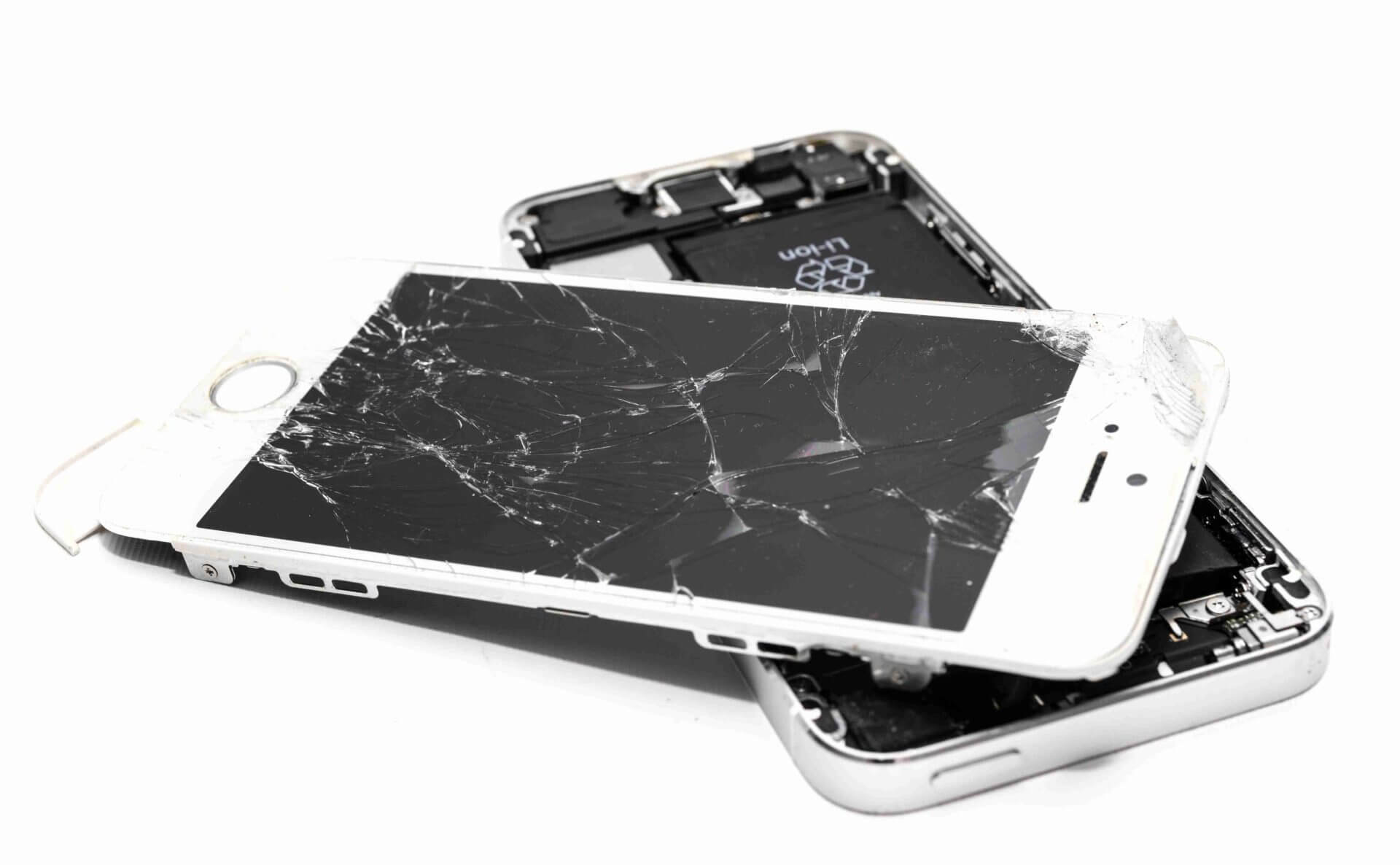
A cracked display is one of the most common smartphone problems.
A damaged screen can cause:
- Touch problems
- Display lines
- Black spots
- Flickering
- Ghost touches
- Complete display failure
Continuing to use a badly damaged screen can also make the phone uncomfortable and unsafe to handle.
A professional technician can inspect the display and determine the appropriate repair option.
Battery Draining Quickly
Does your Pixel battery suddenly drop from 80% to 30%?
Battery problems can develop over time because batteries naturally lose capacity with use.
Common signs include:
- Fast battery drain
- Unexpected shutdowns
- Slow charging
- Battery percentage behaving strangely
- Excessive heating
- Poor battery backup
A professional inspection can determine whether the battery itself needs attention or whether another component is responsible.
Google Pixel Not Charging
Charging problems are frustrating because they can leave you without a working phone.
Before assuming the charging port is damaged, check:
- Another compatible charging cable
- Another charger
- The charging port for visible debris
- Whether the phone responds to charging
- Whether wireless charging works, if supported
If the problem continues, professional diagnosis is recommended.
Camera Not Working Properly
The Pixel camera is one of the phone’s biggest attractions.
Camera problems may appear as:
- Camera app crashing
- Blurry images
- Black camera preview
- Autofocus problems
- Camera not opening
- Video recording issues
Because camera systems contain delicate hardware and software components, professional troubleshooting is important.
Speaker or Microphone Problems
If people cannot hear you during calls, or you cannot hear them properly, the issue may involve:
- Microphone hardware
- Speaker hardware
- Dust or debris
- Software settings
- Internal connections
- Water or liquid exposure
A proper diagnosis helps identify the actual cause.
Why Professional Google Pixel Repair Is Better
1. Proper Diagnosis
A professional technician investigates the fault instead of immediately replacing parts.
2. Better Repair Practices
Professional repair involves appropriate tools and careful handling of delicate components.
3. Reduced Risk of Additional Damage
Opening a modern smartphone without the right knowledge can create new problems.
4. Model-Specific Knowledge
Pixel 6, Pixel 7, Pixel 8, Pixel 9, Pixel 10, Pixel 11, Pro and Pro XL models are not necessarily identical internally.
The repair process should match the specific model.
5. Proper Testing
After a repair, the device should be tested to confirm that the original problem has been resolved and that important functions are working correctly.
Why Cheap Pixel Repair Can Become Expensive
Price is naturally important when repairing a smartphone. However, choosing a repair service only because it offers the lowest price can sometimes create additional costs.
A poor repair may lead to:
- Repeated repairs
- Low-quality replacement components
- Poor display performance
- Charging problems
- Loose internal connections
- Cosmetic damage
- Other component failures
Instead of asking only “How much does Pixel repair cost?”, ask:
“Who is repairing my phone, what is being replaced, and how will the phone be tested?”
That question can help you make a smarter decision.
How to Choose a Professional Google Pixel Repair Service
Before giving your Pixel to a repair shop, consider these points.
Check the Technician’s Experience
Ask whether the technician regularly works on Google Pixel smartphones.
Explain the Problem Clearly
Tell the technician what happened before the fault appeared.
For example:
- The phone was dropped.
- The phone stopped charging.
- The battery became weak.
- The screen started flickering.
- The phone became unusually hot.
- The camera stopped working.
These details can help with diagnosis.
Ask for a Proper Diagnosis
Do not immediately agree to a component replacement without understanding the problem.
Ask About Replacement Parts
Ask what type of replacement component will be used and whether it is suitable for your specific Pixel model.
Protect Your Data
Before any repair, back up important photos, contacts, documents, and other data whenever possible.
Also use appropriate security precautions when handing over a phone for service.
When Should You Get Your Pixel Repaired?
Do not always wait until the phone completely stops working.
Consider getting professional assistance when you notice:
- A rapidly worsening battery
- A damaged display
- Charging interruptions
- Unexpected shutdowns
- Camera failure
- Speaker or microphone problems
- Persistent overheating
- Physical damage
- Software problems that remain after basic troubleshooting
Early diagnosis may help prevent a small problem from becoming a bigger one.
Google Pixel Repair at Virani Telecom
At Virani Telecom, professional smartphone repair is focused on understanding the customer’s actual problem rather than simply replacing parts.
Whether you use an older Google Pixel or a newer Pixel 11, Pixel 11 Pro, or Pixel 11 Pro XL, proper diagnosis is an important first step.
The objective is simple:
Identify the problem. Repair it carefully. Test the phone properly.
For customers who depend on their Pixel for work, communication, photography, banking, entertainment, and everyday life, a reliable repair matters.
Key Takeaways
- Google Pixel smartphones contain delicate and advanced components.
- Professional repair is safer than experimenting with unknown repair methods.
- Proper diagnosis should happen before replacing any component.
- Screen, battery, charging, camera, speaker, microphone, and software issues are common repair requirements.
- Different Pixel generations can have different repair procedures.
- Pixel 11, Pixel 11 Pro, and Pixel 11 Pro XL deserve careful model-specific handling.
- Very cheap repairs can sometimes lead to additional problems.
- Always back up important data before handing your phone over for repair.
- Choose a repair service that understands Google Pixel devices.
- A good repair should include proper testing after the work is completed.
Conclusion
Your Google Pixel is more than just a phone. It may contain years of photos, important contacts, work files, conversations, banking apps, and memories.
So when something goes wrong, it makes sense to trust it to someone who understands the device.
From older Pixel smartphones to the latest Pixel 11, Pixel 11 Pro, and Pixel 11 Pro XL, professional diagnosis and careful repair can help protect your device and give it a better chance of continuing to serve you reliably.
When your Pixel has a problem, don’t take unnecessary risks just to save a little money. Choose professional Google Pixel Repair from a trusted repair service such as Virani Telecom.
Is your Google Pixel damaged, not charging, losing battery quickly, or having camera, display, or software problems?
Contact Virani Telecom for professional Google Pixel repair assistance.
Have a Pixel problem? Bring it to Virani Telecom and get the right problem diagnosed before the repair begins.
Dahisar – HO
Shop No 2D Bldg No.2, Labh Darshan, D Wing, Chhatrapati Shivaji Rd, near Subway, Avdhut Nagar, Dahisar East, Mumbai, Maharashtra 400068
Borivali
Shop No.5, Thakkar Shopping Centre, Gyan Nagar, Mhatre Wadi, Borivali West, Mumbai, Maharashtra 400092
Kandivali
Shop No 103, Ground Floor, Raghuleela Mega Mall, Bus Depot, near Poisar, Kandivali, Jai Bhim Sanjay Nagar, Kandivali West, Mumbai, Maharashtra 400067
Frequently Asked Questions About Google Pixel Repair
1. Why does Google Pixel need professional repair?
Google Pixel phones contain compact and delicate hardware. Professional repair helps ensure that the actual fault is diagnosed correctly and the device is handled carefully during repair.
2. Can a cracked Google Pixel screen be repaired?
Yes, a damaged Pixel display may be repairable depending on the model and extent of the damage. A technician should inspect the phone before recommending the appropriate solution.
3. Why is my Google Pixel not charging?
Charging problems can come from the cable, charger, charging port, battery, software, or internal hardware. Professional diagnosis can help identify the actual cause.
4. How do I know if my Pixel battery needs replacement?
Fast battery drain, unexpected shutdowns, poor battery backup, unusual heating, and charging problems can indicate battery degradation. A technician can inspect the battery and device before recommending replacement.
5. Can older Google Pixel phones still be repaired?
In many cases, older Pixel phones can still receive hardware or software repair services. However, repairability depends on the model, fault, component availability, and condition of the device.
6. Can Virani Telecom repair Pixel 11, Pixel 11 Pro and Pixel 11 Pro XL?
Virani Telecom can assess the specific Pixel model and reported problem to determine the appropriate repair or service option. For newer models, model-specific diagnosis and suitable components are especially important.

Chetan
September 8, 2026Excellent 👌
Awesome 👌
Wow 👌
Superb 👌
Extraordinary 👌