

AirPods Not Connecting to iPhone or Mac? Try These Simple Fixes [2025 Guide]
AirPods Not Connecting:
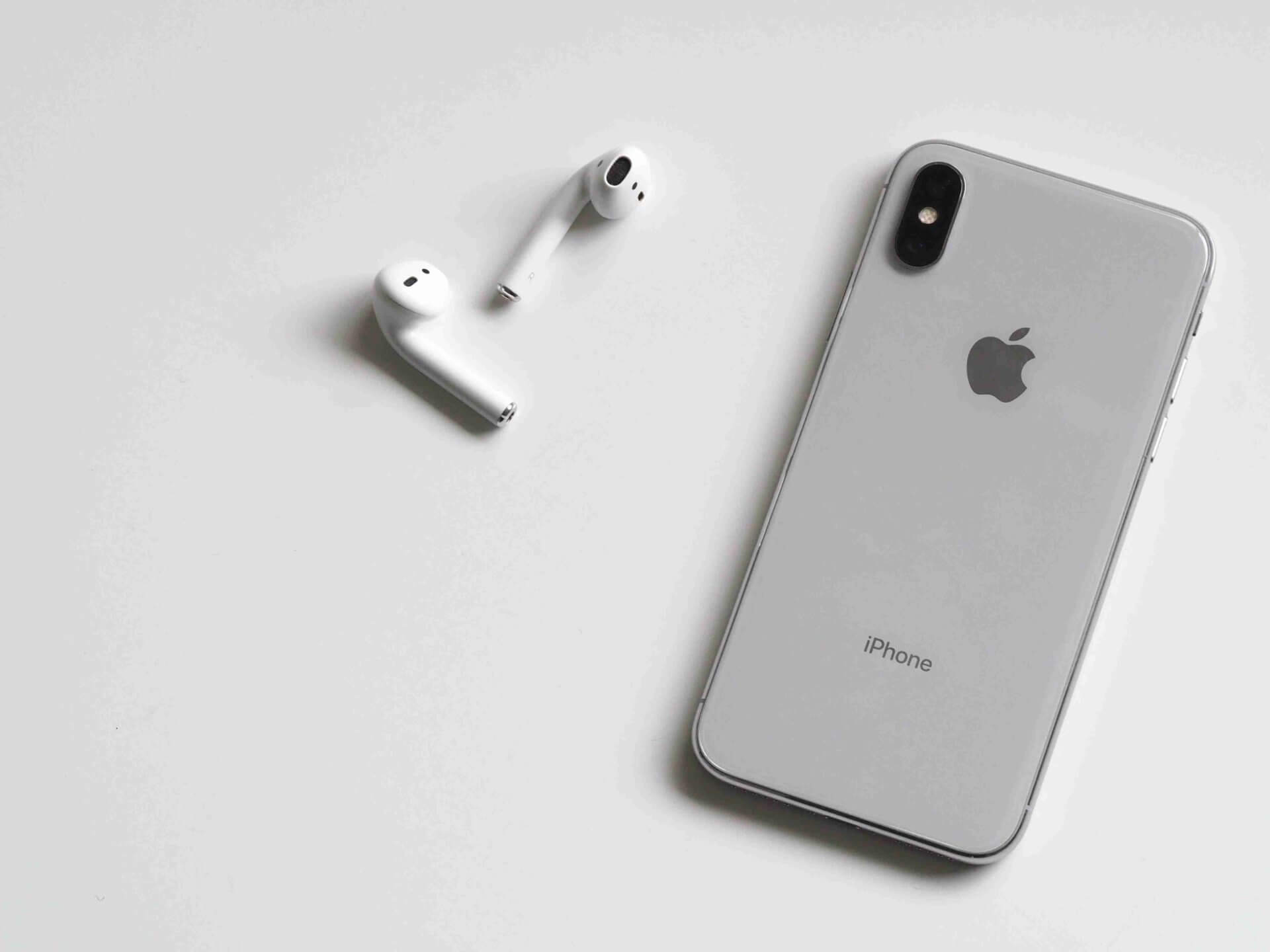
Have your AirPods suddenly stopped connecting to your iPhone or MacBook? Don’t worry — this is a very common issue faced by many Apple users. Whether it’s a Bluetooth glitch, outdated software, or a simple pairing issue, most problems can be solved with easy steps.
At Virani Telecom, we help customers daily with Apple gadget troubleshooting. Here’s a detailed, beginner-friendly guide to fix your AirPods not connecting issue in minutes.
🔹 1. Make Sure Bluetooth Is On
It sounds basic, but it’s often overlooked.
✅ What to Do:
- On iPhone: Go to Settings > Bluetooth and toggle it OFF and ON.
- On Mac: Click the Bluetooth icon on the top bar or go to System Settings > Bluetooth.
Sometimes, Bluetooth may be ON but not working correctly. Toggling it refreshes the connection.
🔹 2. Charge Your AirPods and Case
Low battery is a common reason for connection failure.
✅ What to Check:
- Put both AirPods in the charging case.
- Connect the case to a charger and charge for at least 10–15 minutes.
- Open the case lid near your iPhone or Mac — it should show battery status.
If the case or AirPods are not charging, it might be a hardware issue that needs service.
🔹 3. Forget and Reconnect AirPods
Refreshing the pairing usually resolves most connection issues.
✅ Steps to Follow:
On iPhone:
- Go to Settings > Bluetooth
- Tap the “ℹ” icon next to your AirPods
- Tap Forget This Device
- Put AirPods back in the case, close the lid, wait 30 seconds
- Open the lid and press the setup button (back of the case) until white light blinks
- Reconnect via Bluetooth
On Mac:
- Go to System Settings > Bluetooth
- Remove AirPods from the list
- Reconnect them as a new device
🔹 4. Reset Your AirPods
If reconnecting doesn’t help, try resetting the AirPods completely.
✅ Here’s How:
- Put both AirPods in the case and close the lid.
- Wait 30 seconds, then open the lid.
- Hold the setup button on the back until the LED flashes amber, then white.
- Now pair again with your device.
Resetting removes any corrupted Bluetooth profiles and gives a fresh start.
🔹 5. Update iOS or macOS Software
Outdated software can cause compatibility issues with AirPods.
✅ What to Do:
- iPhone: Go to Settings > General > Software Update and install the latest version.
- Mac: Go to System Settings > General > Software Update
Updates often contain bug fixes for Bluetooth and AirPods connectivity.
🔹 6. Clean Your AirPods and Charging Case
Dirt or dust in the charging pins can interrupt connectivity.
✅ Cleaning Tips:
- Use a soft, dry, lint-free cloth.
- Gently clean the metal contacts inside the case and at the end of the AirPods.
- Avoid using water or sharp objects.
This ensures good contact between AirPods and the case for proper charging and pairing.
🔹 7. Try Pairing with Another Device
Still not connecting? Let’s rule out whether your AirPods or iPhone/Mac are the problem.
✅ Try This:
- Pair the AirPods with a different iPhone or Mac.
- If they work fine there, the issue is likely with your original device’s Bluetooth.
- If not, it might be a hardware issue with the AirPods.
🔹 8. Contact Apple Support or Visit Virani Telecom
If none of the above methods work, the problem could be hardware-related — like:
- Battery issues
- Internal circuitry damage
- Faulty Bluetooth antenna
✅ What to Do:
- Contact Apple Support or
- Visit Virani Telecom The Best AirPods Repair Service Center for a free diagnosis and fast repair service.
We handle AirPods repair, Bluetooth chip issues, battery replacement, and more — all under one roof.
✅ Final Words
AirPods not connecting can be frustrating — but it’s often easy to fix with the right steps. Whether it’s a simple reboot or a deep reset, one of the methods above should work.
If not, your friends at Virani Telecom are here to help — online and offline.
📞 Need Help?
AirPods Not Connecting
📍 Visit: Virani Telecom, Your Gadget Doctor
📱 Call/WhatsApp: +91 70705 03050
🔧 Services: Mobile Repair | AirPods Repair | iPhone/MacBook Support | Chip-Level Solutions
- Dahisar – HO
Shop No 2D Bldg No.2, Labh Darshan, D Wing, Chhatrapati Shivaji Rd, near Subway, Avdhut Nagar, Dahisar East, Mumbai, Maharashtra 400068 - Borivali
Shop No.5, Thakkar Shopping Centre, Gyan Nagar, Mhatre Wadi, Borivali West, Mumbai, Maharashtra 400092 - Kandivali
Shop No 103, Ground Floor, Raghuleela Mega Mall, Bus Depot, near Poisar, Kandivali, Jai Bhim Sanjay Nagar, Kandivali West, Mumbai, Maharashtra 400067 - Andheri
Shop No 18 2nd Floor, Swami Vivekananda Rd, near Railway Colony, Madhav Nagar, Railway Colony, Andheri West, Mumbai, Maharashtra 400058
🔧 We’ll bring your Apple device back to life with care, quality, and confidence.

Chetan Virani
May 9, 2025Wow great
Superb 👏 work
Excellent 👌👍