







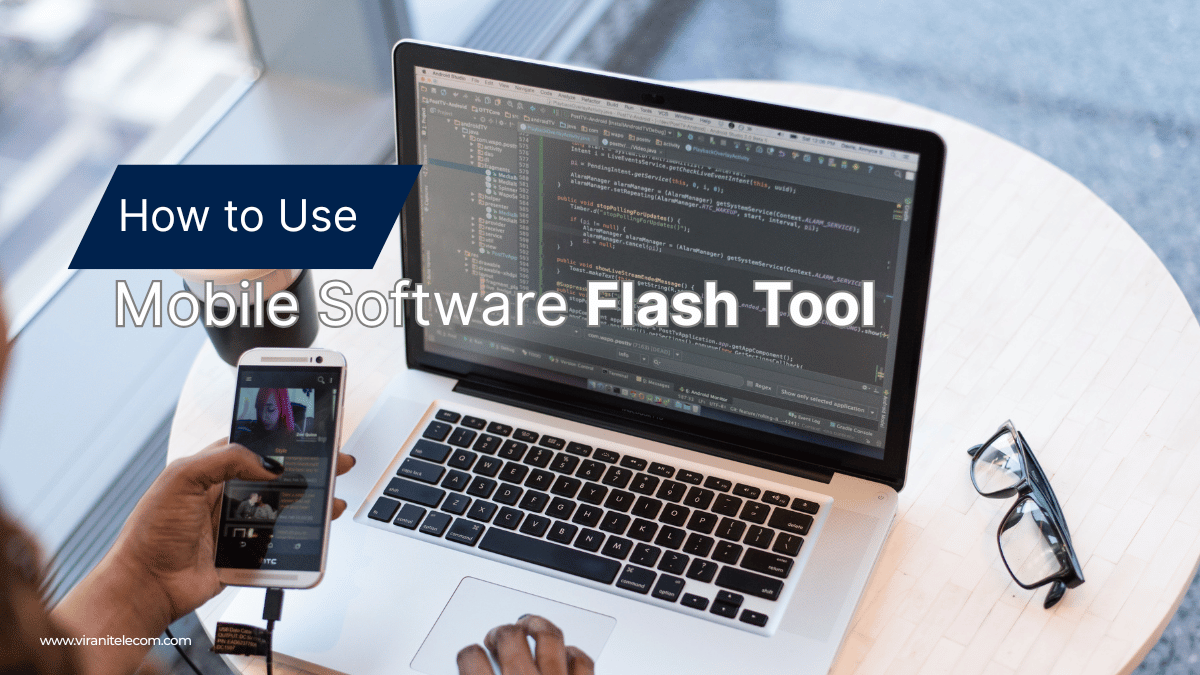
How to Use Mobile Software Flash Tool for Mobile Repair Like a Pro
Mobile Software Flash Tool:
Introduction(Mobile Software Flash Tool)
In today’s smartphone-driven world, mobile repair skills are more important than ever. One of the most powerful techniques in mobile repairing is software flashing—restoring, upgrading, or reinstalling a phone’s firmware using specialized tools. With the right Mobile Software Flash Tool, even complex issues like boot loops, software crashes, and system errors can be fixed efficiently.
In this blog, we’ll walk you through how to use mobile flash tools like a professional, which tools are most effective, and tips to avoid common mistakes.
Table of Contents
- What Are Mobile Software Flash Tool?
- When Do You Need Flash Tools in Mobile Repair?
- Popular Mobile Software Flash Tool
- Step-by-Step Guide to Using Flash Tools
- Best Practices & Safety Tips
- Conclusion: Master Mobile Software Flash Tool
What Are Mobile Software Flash Tool?
Mobile Software Flash Tool are programs that allow technicians to reinstall, repair, or update the operating system of smartphones. These tools are vital when a phone suffers from corrupted software, boot loops, or system crashes. By flashing, you essentially overwrite the phone’s firmware with a clean or updated version.
When Do You Need Flash Tools in Mobile Repair?
You may need flash tools in the following cases:
- Phone stuck in a boot loop
- Forgotten password or pattern lock (with user consent)
- Downgrading or upgrading Android versions
- Fixing frequent app crashes or freezing issues
- Removing malware-infected system files
Popular Mobile Software Flash Tools
SP Flash Tool
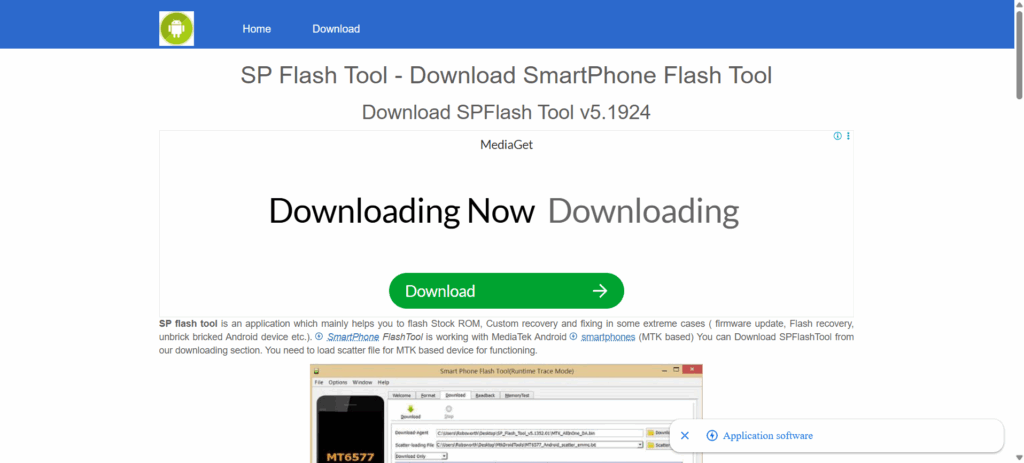
- Designed for MediaTek chipset devices
- Allows firmware updates, recovery flashing, and unbricking
Odin Flash Tool
- Official tool for Samsung devices
- Used for stock ROM installation and recovery repairs
Xiaomi Mi Flash Tool
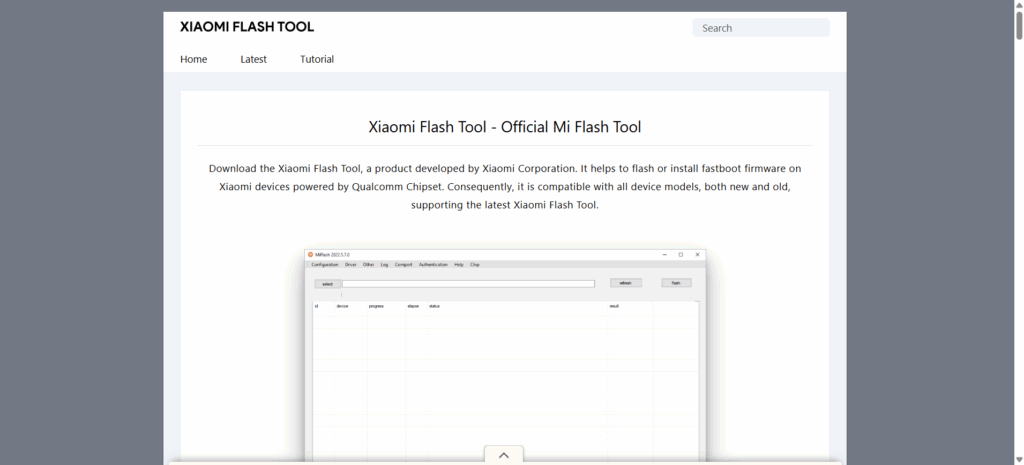
- Best for Xiaomi/Redmi devices
- Supports fastboot ROM flashing and bootloader unlocking
QFIL (Qualcomm Flash Image Loader)
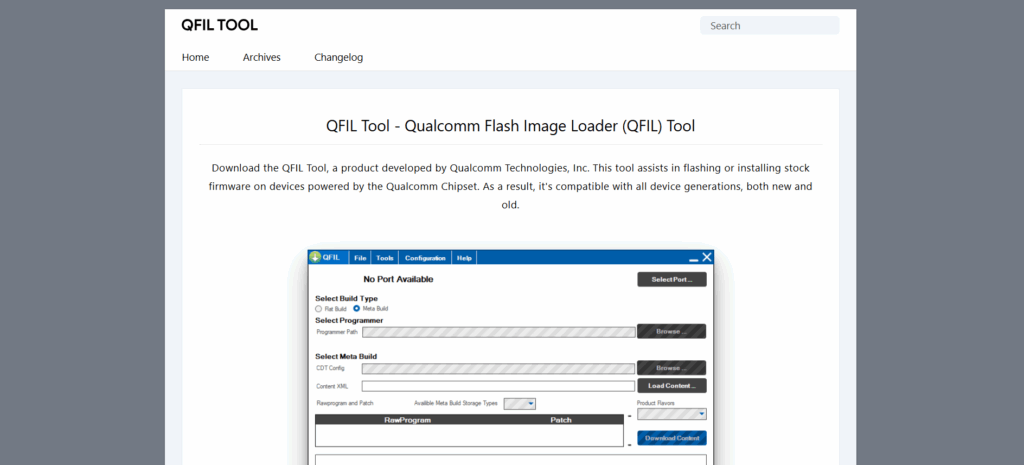
- Works with Qualcomm-based devices
- Easy interface, supports unbricking and firmware installation
Step-by-Step Guide to Using Flash Tools
Step 1: Download the Correct Firmware
Always ensure you have the exact firmware version for the device model. Using the wrong file can brick the phone.
Step 2: Install Drivers
Install USB and chipset-specific drivers on your computer so the device is recognized properly.
Step 3: Connect Your Device
Turn off the smartphone and connect it to your PC using a USB cable in download/fastboot mode.
Step 4: Load Firmware into the Flash Tool
Open your chosen flash tool, then select and load the firmware files into it.
Step 5: Start Flashing Process
Click the Start/Download/Flash button. Wait for the process to complete—this can take 5–10 minutes depending on file size.
Best Practices & Safety Tips
- Always back up data before flashing (if possible).
- Use only official firmware from trusted sources.
- Keep your laptop/PC charged and avoid interruptions during flashing.
- Do not disconnect the device until the flashing process is complete.
Conclusion: Master Mobile Software Flash Tools
With the right knowledge and practice, you can handle mobile software issues like a professional using Mobile Software Flash Tools. From unbricking dead phones to upgrading systems, these tools are must-have skills for every technician.
At Virani Telecom, we provide expert training and repair services to help you master the art of mobile flashing.
👉 Want to learn mobile repair in detail? Contact Virani Telecom today and take your skills to the next level!

Chetan Virani
September 23, 2025Wow great superb 👏 performance excellent work 👏👍✅💯💯👏👍✅