


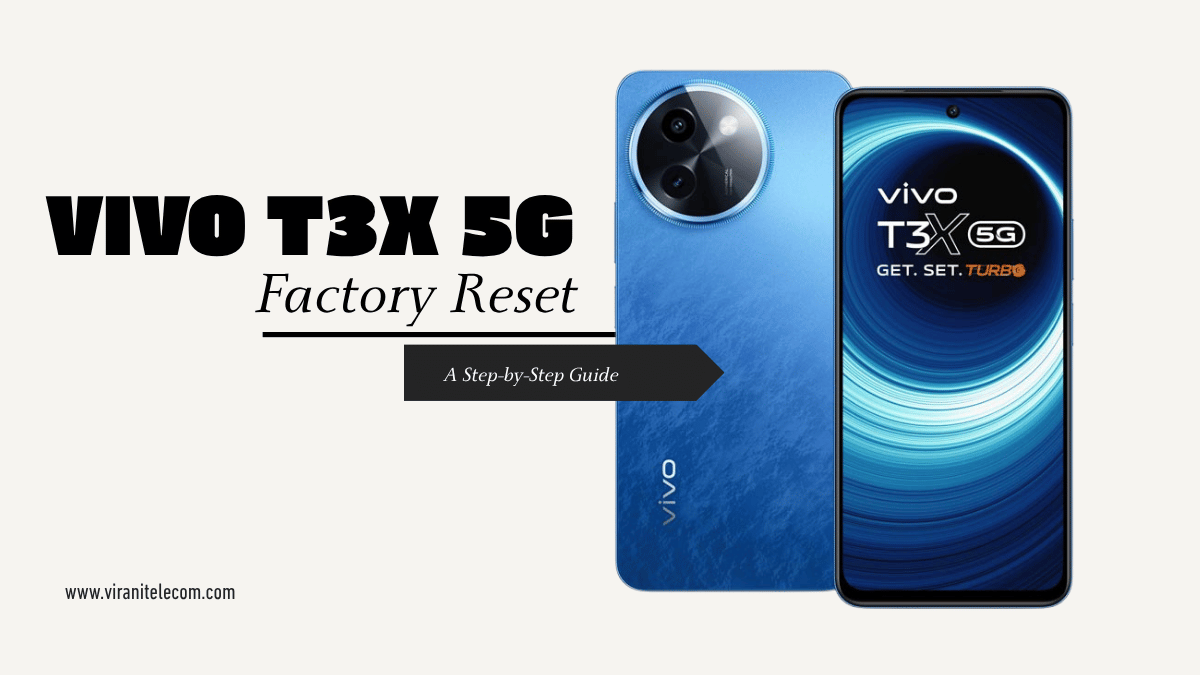
VIVO T3X 5G Factory Reset: A Step-by-Step Guide
VIVO T3X 5G Factory Reset
A factory reset is often the last resort for solving stubborn mobile phone issues, from software glitches and slow performance to preparing the device for sale. It’s a powerful tool that can make your VIVO T3X 5G feel brand new, but it comes at a cost: the complete erasure of all data on the device.
This comprehensive guide from Virani Telecom will walk you through the entire process, ensuring you’re prepared and know what to expect. Remember, for issues you can’t resolve yourself, a trusted VIVO service center in Mumbai is always your best option.
Table of Contents
- Why You Should Factory Reset Your VIVO T3X 5G
- Crucial Step: Back Up Your Data
- Method 1: Factory Reset from Settings (Recommended)
- Method 2: Hard Reset Using Recovery Mode
- What to Do After the Reset
- FAQs about VIVO T3X 5G Factory Reset
1. Why You Should Factory Reset Your VIVO T3X 5G
Before you perform a factory reset, it’s important to understand why you might need one. A reset is typically used to address:
- Performance Issues: If your phone is consistently lagging, freezing, or slow to respond.
- Software Glitches: When apps are crashing or the operating system is behaving unexpectedly.
- Selling or Giving Away the Phone: To wipe all personal data and ensure the next owner can’t access your information.
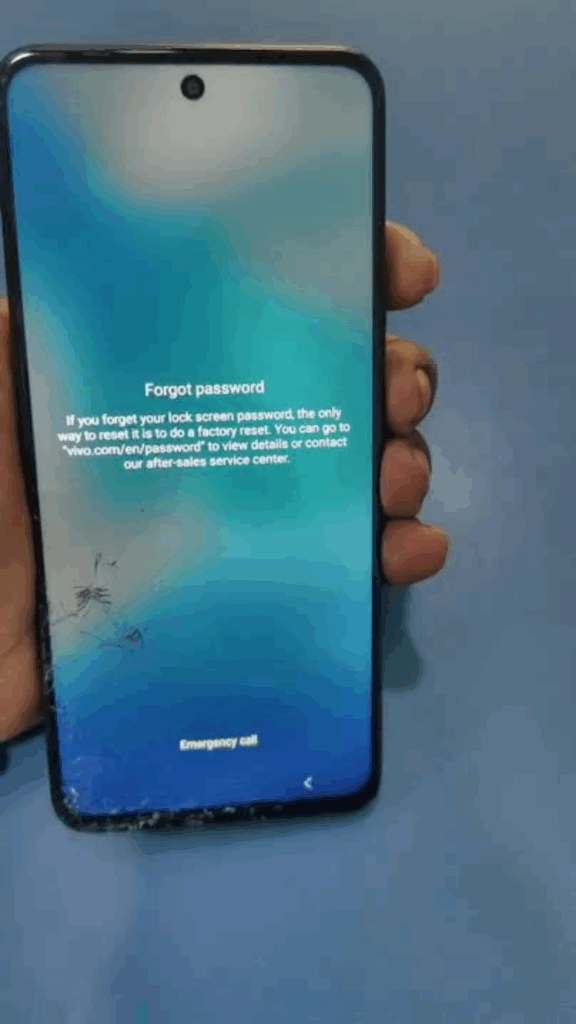
- Removing a Screen Lock: If you’ve forgotten your pattern, PIN, or password and can no longer access the phone.
2. Crucial Step: Back Up Your Data
This is the most critical step. A factory reset will permanently erase all data on your phone, including photos, videos, contacts, apps, and files. Make sure to back up everything you want to keep.
You can use several methods to back up your data:
- Google Account Sync: Most of your contacts, calendar events, and app data will be synced with your Google account. Ensure “Backup & sync” is turned on in your Google settings.
- Google Photos: Your photos and videos can be automatically backed up to Google Photos. Check that all your media has been uploaded before proceeding.
- Manual Transfer: Connect your phone to a computer and manually copy important files and folders.
- VIVO’s EasyShare or VIVOCloud: Use VIVO’s proprietary tools for a seamless backup and transfer process.
3. Method 1: Factory Reset from Settings (Recommended)
This is the easiest and most common way to perform a factory reset. This method is used when you can still access your phone’s menus.
- Go to Settings: Open the Settings app on your VIVO T3X 5G.
- Navigate to System: Scroll down and find the “System” option.
- Open Reset Options: Tap on “Reset options” or a similar menu.
- Select Erase All Data: Choose the “Erase all data (factory reset)” option.
- Confirm and Proceed: The phone will show a warning about data loss. Tap “Erase all data” again to confirm. You may need to enter your PIN or pattern to proceed.
The phone will now reboot and begin the factory reset process. This may take a few minutes.
4. Method 2: Hard Reset Using Recovery Mode
This method is useful when your phone is unresponsive, you have forgotten your lock screen password, or you can’t access the Settings menu.
- Power Off the Phone: Press and hold the power button until the phone shuts down completely.
- Enter Recovery Mode: Press and hold the Power button and Volume Up button simultaneously for a few seconds. Release the buttons once the “Fastboot” or “VIVO” logo appears on the screen.
- Select Recovery Mode: Use the Volume buttons to navigate and the Power button to select the “Recovery Mode” option.
- Wipe Data: In the Recovery Mode menu, use the Volume buttons to select “Clear Data” and then choose “Clear all data.”
- Confirm and Reboot: Tap “OK” or “Confirm”. Once the process is complete, select “Return” and then “Restart” to reboot your phone.
5. What to Do After the Reset
Once the factory reset is complete, your VIVO T3X 5G will restart and guide you through the initial setup process, just like a new phone.
- Sign In: Sign in with your Google Account to restore your contacts, calendar, and app data.
- Restore Backups: Use your backup methods (like Google Photos) to restore your files and media.
- Reinstall Apps: Download and reinstall your favorite apps from the Google Play Store.
If your phone’s issues persist even after a factory reset, it might be a hardware problem. In that case, it’s best to visit a professional. A visit to an official VIVO service center is recommended to diagnose and fix the issue. Virani Telecom in Mumbai offers expert repair services for all VIVO models, ensuring your phone is in good hands.
Conclusion
A factory reset is a powerful solution for many common smartphone problems. By following these steps carefully, you can restore your VIVO T3X 5G to its optimal condition. However, if your phone’s problems are more complex, or you’re simply not comfortable performing the reset yourself, we are here to help.
For expert assistance, visit Virani Telecom, your trusted VIVO service center in Mumbai. Our technicians will diagnose your phone’s issues and provide professional, reliable solutions.
Frequently Asked Questions (VIVO service center)
Q1: What is the difference between a soft reset and a hard reset? A: A soft reset is just a simple restart of the phone to clear temporary glitches. A hard reset, or factory reset, restores the phone to its original factory settings, wiping all data.
Q2: Does a factory reset delete data from the SD card? A: No, a factory reset typically does not affect data stored on an external SD card. However, it’s always a good practice to remove the SD card before the reset to be safe.
Q3: Will a factory reset remove the Google Account lock (FRP)? A: No, a factory reset does not remove the Google Account lock. This is a security feature (Factory Reset Protection) that requires you to enter the last Google account and password used on the device. This is a security measure to prevent unauthorized access.
Q4: How can I find a reliable VIVO service center in Mumbai? A: You can visit the official VIVO website to locate authorized service centers. Alternatively, you can contact a trusted local mobile repair shop like Virani Telecom in Mumbai, who specializes in VIVO devices and can provide professional service.
This video shows how to factory reset the VIVO T3x 5G from the settings menu. How To Factory Reset Vivo T3x 5G

Mohammedrafi
October 4, 2025Mohammedrafi
Mohammedrafi
October 4, 2025Mohammedrafi Mohammed rafi
Shahzad
September 27, 2026Vivo t3x all data ka option nehi aa reha hei