




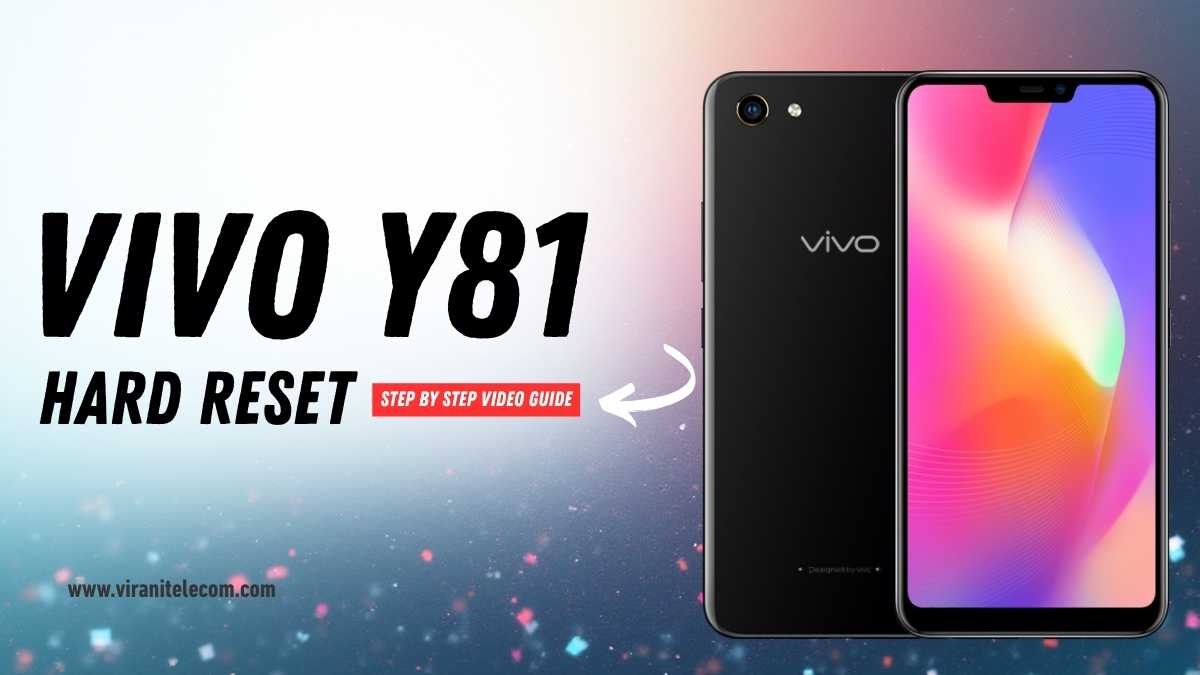
VIVO Y81 Hard Reset Step By Step Video Guide
If your VIVO Y81 is running slow, freezing, or locked due to a forgotten password, performing a hard reset can help restore its performance. In this guide, Virani Telecom — a trusted name in Vivo Mobile Repair Service in Mumbai — shares the complete, safe process to reset your VIVO Y81 without damaging your device.
Introduction
A hard reset (also known as a factory reset) restores your VIVO Y81 to its original settings. It’s one of the most effective ways to fix common issues like lagging, forgotten passwords, or boot loops.
At Virani Telecom, we provide expert Vivo Mobile Repair Services that ensure your device works perfectly after repair or reset.
When to Perform a Hard Reset
You may need to hard reset your Vivo Y81 if:
- Your phone is not turning on properly.
- You forgot your screen lock or pattern.
- The phone is frozen or lagging badly.
- Apps keep crashing frequently.
- You’re selling your phone and need to erase all data.
Things to Do Before Hard Reset
Before performing the reset, make sure to:
- Backup your data – photos, contacts, and important files.
- Charge your phone to at least 50%.
- Remove your SIM and SD card for safety.
Step-by-Step Hard Reset Process
Step 1: Turn Off Your Vivo Y81
Press and hold the Power Button for a few seconds and tap Power Off.
Step 2: Enter Recovery Mode
- Press and hold Volume Up + Power Button together.
- Release both buttons when you see the Vivo logo.
- The Recovery Mode screen will appear.
Step 3: Wipe Data / Factory Reset
- Use the volume keys to navigate and the power button to select.
- Choose “Wipe data” and confirm.
- Wait until the process is complete.
Step 4: Reboot System Now
After wiping data, select “Reboot system now”.
Your Vivo Y81 will restart as a new device — ready to set up again.
🎥 Watch Video Tutorial from Virani Telecom
You can also watch the full step-by-step video guide on our official Virani Telecom YouTube Channel.
Why Choose Virani Telecom for Vivo Mobile Repair Service
At Virani Telecom, we specialize in Vivo Mobile Repair Service — from display replacement to software recovery and motherboard repair.
Why customers trust us:
- Certified technicians
- Doorstep pickup & drop service
- Original spare parts
- Affordable prices
- Quick turnaround
Our Vivo Service Center Locations in Mumbai
Visit our Virani Telecom Vivo Mobile Repair Service Centers in Mumbai at:
- 📍 Dahisar – Near Dahisar Station (East)
- 📍 Borivali – Opp. Indraprastha Shopping Center
- 📍 Kandivali – Mahavir Nagar Area
- 📍 Andheri – Near Andheri Railway Station (West)
Call or WhatsApp us for instant support and free diagnosis!
❓ FAQs (VIVO Y81 Hard Reset Step By Step Video Guide)
Q1: Will a hard reset delete all my data on Vivo Y81?
Yes. A hard reset removes all data and restores the phone to factory settings. Always back up your data before starting.
Q2: My phone is locked. Can I still hard reset it?
Yes, even if your Vivo Y81 is locked, you can reset it using the recovery mode steps above.
Q3: How long does a hard reset take?
Usually around 3–5 minutes, depending on your phone’s condition.
Q4: Can Virani Telecom help if the phone doesn’t boot after reset?
Absolutely. Visit your nearest Virani Telecom service center for professional help.
Q5: Is hard resetting safe for the phone?
Yes, it’s safe if done correctly. Just ensure the battery is charged and you follow the steps properly.
Conclusion

A hard reset can fix most software problems in your VIVO Y81 easily. But if you still face issues or your phone doesn’t boot properly, don’t worry — the experts at Virani Telecom are here to help!
📞 Contact us today or visit our nearest branch in Dahisar, Borivali, Kandivali, or Andheri for professional Vivo Mobile Repair Service in Mumbai.
👉 Watch our YouTube video and follow us on Instagram for more mobile repair tips and tricks.

Chetan Virani
November 4, 2025Awesome 👍😎
BonusBacklinks
December 13, 2025as I website owner I conceive the subject matter here is real wonderful, regards for your efforts.