


How SP Flash Tool Saves Your Dead Android
Introduction
(SP Flash Tool Guide) Android phones powered by MediaTek (MTK) chipsets are powerful but sometimes risky when it comes to flashing, updates, or rooting. A wrong firmware, interrupted update, or malware attack can make your phone dead or stuck in bootloop.
That’s where SP Flash Tool becomes a lifesaver.
In this SP Flash Tool Guide, we’ll explain what SP Flash Tool is, why Android phones get dead, and how you can recover a dead MTK Android device step by step—even if it’s not turning on at all.
This guide is written by Virani Telecom, keeping beginners and technicians in mind.
What Is SP Flash Tool?
SP Flash Tool (Smart Phone Flash Tool) is a powerful Windows utility used to:
- Flash stock firmware
- Repair dead Android phones
- Fix bootloop and software crashes
- Format corrupted system partitions
- Unbrick MTK devices
It works only with MediaTek (MTK) chipset smartphones.
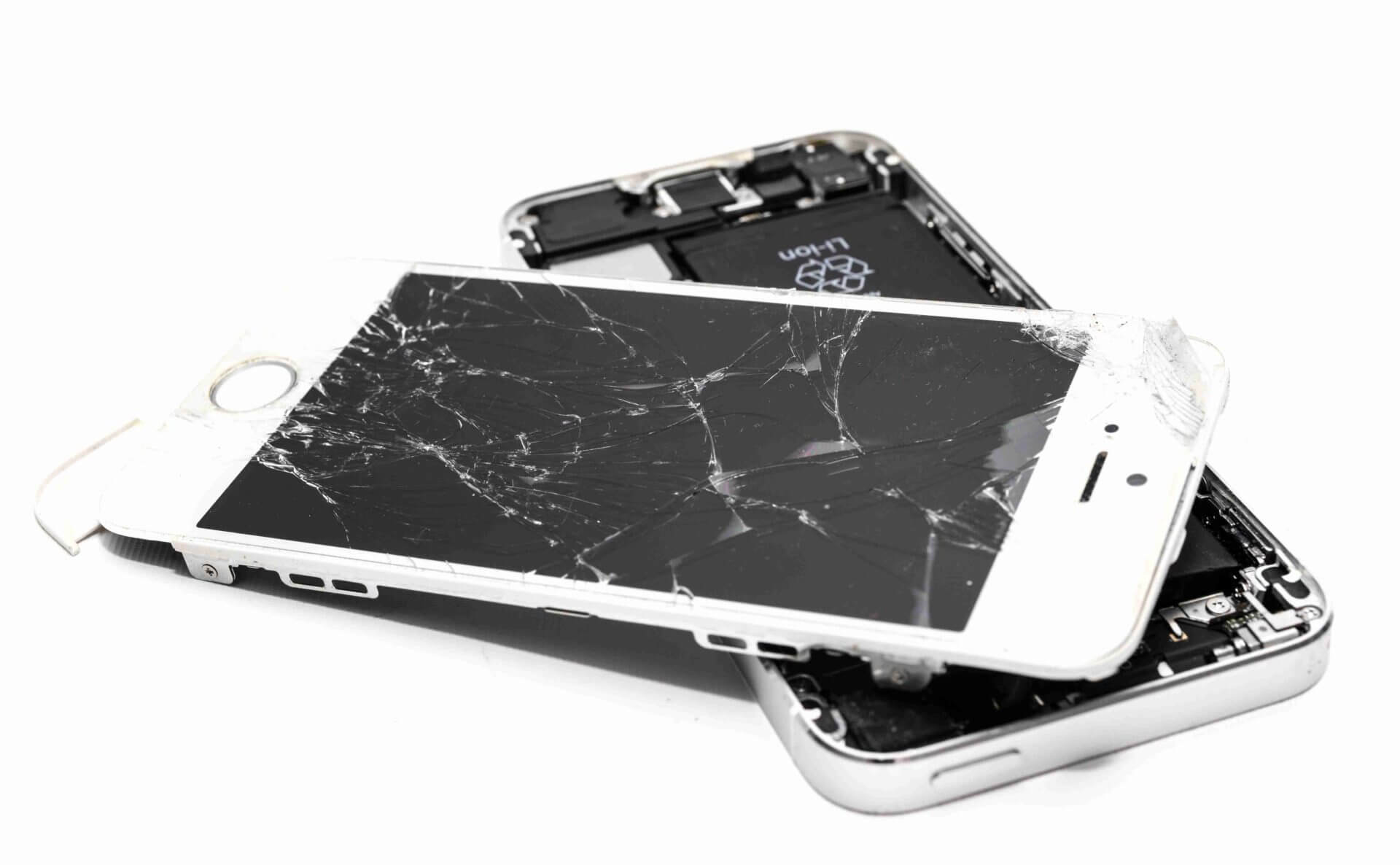
What Is a Dead Android Phone?
A phone is considered dead when:
- It does not power ON
- No charging sign appears
- Stuck on logo permanently
- No vibration or boot response
Even in this state, SP Flash Tool can revive the device if hardware is fine.
Common Reasons Android Phones Go Dead
1. Wrong Firmware Flashing
Installing incorrect firmware can corrupt the bootloader.
2. Interrupted Software Update
Battery drain or cable removal during updates.
3. Malware or Virus Attack
Malicious files damaging system partitions.
4. Rooting or Custom ROM Failure
Incomplete rooting or incompatible ROM.
5. IMEI or Preloader Corruption
Critical MTK partitions damaged.
How SP Flash Tool Saves Dead Android Phones
SP Flash Tool communicates directly with the MediaTek preloader, bypassing Android OS. This allows it to:
- Rewrite corrupted partitions
- Restore bootloader
- Install fresh stock firmware
- Fix preloader and boot issues
Even a completely dead phone can be recovered.
Things You Need Before Using SP Flash Tool
Required Tools
- Windows PC or Laptop
- Original USB Cable
- Fully charged phone (minimum 40%)
Software Files
- SP Flash Tool (Latest Version)
- MTK USB VCOM Drivers
- Correct Stock Firmware (Scatter File Based)
⚠️ Always download firmware for exact model number.
Step-by-Step SP Flash Tool Guide to Fix Dead Android
Step 1: Install MTK USB Drivers
- Install MTK VCOM drivers on your PC
- Restart the system
Step 2: Extract Firmware & SP Flash Tool
- Extract firmware folder
- Open SP Flash Tool as Administrator
Step 3: Load Scatter File
- Click Choose next to Scatter-loading
- Select
MTxxxx_Android_scatter.txt
Step 4: Select Flash Mode
Choose one option:
- Download Only (Safe)
- Firmware Upgrade (Recommended)
- Format + Download (Advanced)
Step 5: Power Off Phone
- If phone is dead, just keep it disconnected
Step 6: Connect Phone to PC
- Click Download in SP Flash Tool
- Connect phone via USB cable
- Tool will auto-detect device
Step 7: Wait for Flashing to Complete
- Do NOT disconnect cable
- Green tick ✔ means success
Step 8: Boot the Phone
- Disconnect USB
- Press Power button
- First boot may take time
🎉 Your dead Android phone is revived!
Important SP Flash Tool Options Explained
Download Only
Best for normal flashing without data loss.
Firmware Upgrade
Upgrades system and fixes compatibility issues.
Format + Download
Use only if IMEI or preloader is corrupted.
Common Errors and Solutions in SP Flash Tool
BROM ERROR
- Wrong firmware
- Fix: Use correct stock ROM
Device Not Detected
- Driver issue
- Fix: Reinstall MTK drivers
Stuck at Download 0%
- Cable or port issue
- Fix: Change USB cable/port
Safety Tips While Flashing
- Never remove USB cable during flashing
- Avoid low battery
- Use original firmware only
- Backup IMEI if possible
Frequently Asked Questions (SP Flash Tool Guide)

Q1. Can SP Flash Tool fix a completely dead phone?
Yes, if the hardware is fine and the chipset is MediaTek.
Q2. Does SP Flash Tool erase data?
Yes, in most cases data will be erased.
Q3. Is SP Flash Tool safe to use?
Yes, when used with correct firmware and steps.
Q4. Can I use SP Flash Tool on Qualcomm phones?
No, it works only with MediaTek devices.
Q5. What if phone is not detected?
Reinstall MTK USB drivers and try another USB port.
Conclusion
SP Flash Tool is a powerful recovery solution for dead MediaTek Android phones. With the right firmware and correct steps, even a fully bricked device can come back to life.
If you’re not confident doing it yourself, Virani Telecom offers professional Android repair, flashing, and data recovery services.
👉 Contact Virani Telecom now to start your mobile repair career!
Andheri
Shop No 18 2nd Floor, Swami Vivekananda Rd, near Railway Colony, Madhav Nagar, Railway Colony, Andheri West, Mumbai, Maharashtra 400058
Dahisar – HO
Shop No 2D Bldg No.2, Labh Darshan, D Wing, Chhatrapati Shivaji Rd, near Subway, Avdhut Nagar, Dahisar East, Mumbai, Maharashtra 400068
Borivali
Shop No.5, Thakkar Shopping Centre, Gyan Nagar, Mhatre Wadi, Borivali West, Mumbai, Maharashtra 400092
Kandivali
Shop No 103, Ground Floor, Raghuleela Mega Mall, Bus Depot, near Poisar, Kandivali, Jai Bhim Sanjay Nagar, Kandivali West, Mumbai, Maharashtra 400067

Chetan Virani
February 24, 2026Wow
Superb performance
Excellent 👍