







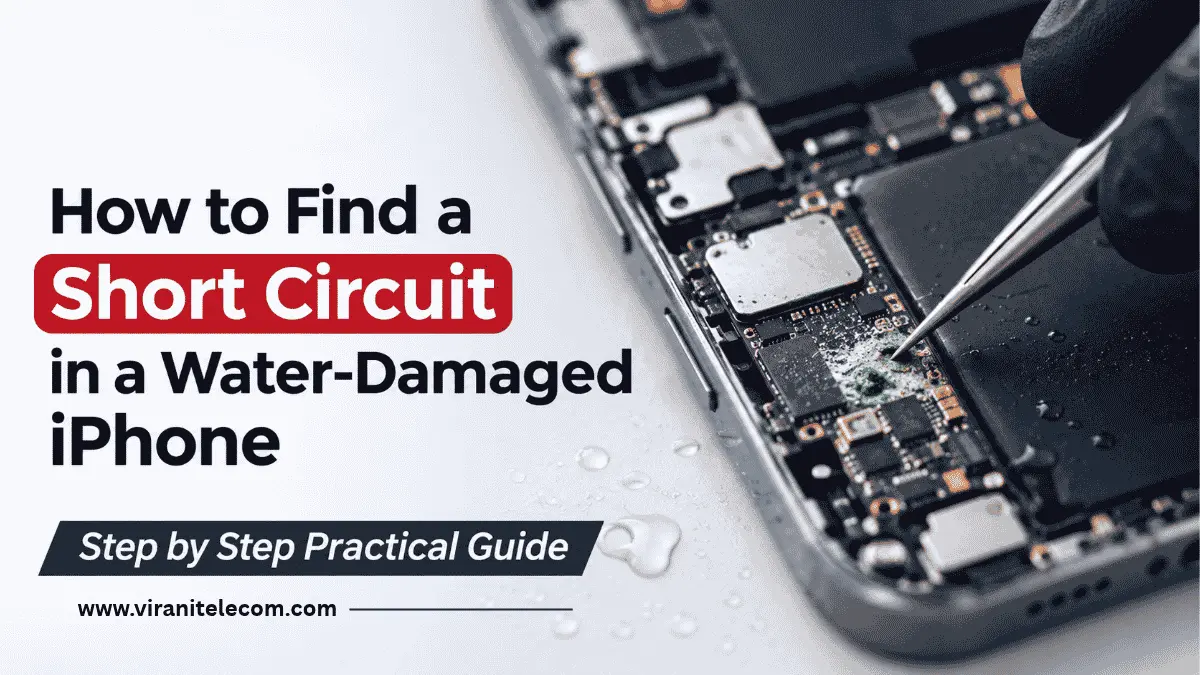
How to Find a Short Circuit in a Water-Damaged iPhone
Water damage is one of the most common reasons an iPhone suddenly stops working. A phone may fall into water, get exposed to rain, come in contact with spilled coffee, or accidentally get wet inside a pocket. Sometimes the iPhone continues working normally for a few minutes. However, problems may appear later when corrosion starts affecting the internal components.
One of the most serious problems caused by liquid damage is a short circuit on the iPhone motherboard.
For repair technicians, finding a short circuit in a water-damaged iPhone can be challenging. The phone may not turn on, may show abnormal power consumption, may heat up unexpectedly, or may remain completely dead even after charging.
In this practical guide from Virani Telecom, we will explain how to identify and diagnose a short circuit in a water-damaged iPhone step by step. Whether you are a mobile repair technician, a beginner learning motherboard repair, or someone interested in understanding the repair process, this guide will help you understand the basic diagnostic workflow.
What Happens When an iPhone Gets Water Damaged?
Modern iPhones contain several delicate electronic components connected through a complex motherboard circuit. These components operate using different voltage levels supplied by power management ICs and other circuit sections.
When liquid enters the phone, it can create an unwanted electrical path between points that should remain electrically isolated.
This can lead to:
- Short circuits
- Corrosion on motherboard components
- Damaged capacitors
- Power IC problems
- Charging circuit failure
- Display or touch issues
- Face ID problems
- Battery-related issues
- No power or boot failure
Even if the phone initially works after getting wet, moisture trapped inside can continue damaging the circuit.
Why Water Damage Can Cause a Short Circuit
Water itself may not always create an immediate short circuit. However, liquids containing minerals, salts, or other impurities can conduct electricity.
When moisture reaches the motherboard, it may connect two electrical points unintentionally. As a result, current can flow through an incorrect path.
This is why a water-damaged iPhone should not be powered on repeatedly.
Signs of a Short Circuit in a Water-Damaged iPhone
Before opening the device and beginning motherboard diagnostics, identify the symptoms.
1. iPhone Does Not Turn On
If the iPhone is completely dead after liquid exposure, a short circuit may be affecting the main power rail or another critical circuit.
However, a dead iPhone does not automatically mean the motherboard has a short. It could also be caused by:
- A damaged battery
- A faulty charging port
- A broken power button flex
- A damaged display
- A failed power management circuit
2. Abnormal Current Consumption
When testing the device using an appropriate power supply and approved diagnostic setup, the current consumption may behave differently from a healthy device.
For example, the device may:
- Draw current immediately
- Show unusually high current consumption
- Remain stuck at a particular current level
- Heat up during testing
- Show no response during power-up attempts
These symptoms can help technicians decide which circuit to investigate further.
3. Localized Heating
A component affected by a short circuit may heat up abnormally.
In a water-damaged iPhone, localized heating may indicate:
- A shorted capacitor
- A damaged IC
- A power rail problem
- Corrosion affecting a component
- Leakage current within a circuit
Thermal inspection can help locate the problem area, but heating alone does not confirm which component is faulty.
4. iPhone Restarts or Gets Stuck
Some water-damaged iPhones may turn on but restart repeatedly.
Possible causes include:
- Power instability
- Corrosion
- Damaged components
- Communication problems between motherboard circuits
- Faulty sensors or peripheral connections
The technician must identify the actual cause rather than replacing components based on symptoms alone.
Tools Required for Water-Damaged iPhone Repair
A proper motherboard diagnosis requires suitable tools, a clean working environment, and careful inspection.
Essential Tools
| Tool | Purpose |
|---|---|
| Digital Multimeter | Checking resistance, continuity, and voltage |
| DC Power Supply | Observing controlled power behavior during diagnosis |
| Microscope | Inspecting corrosion and damaged components |
| PCB Cleaning Equipment | Removing contamination and corrosion safely |
| Precision Screwdrivers | Opening the iPhone and removing components |
| ESD Protection | Reducing electrostatic damage risk |
| Thermal Camera | Identifying abnormal heating areas |
| Professional Soldering Equipment | Board-level component repair when required |
| Circuit Diagram or Boardview | Understanding circuit connections and component locations |
Using the correct tools makes diagnosis more accurate and reduces the risk of damaging an already faulty motherboard.
Step-by-Step Practical Guide to Finding a Short Circuit
Step 1: Do Not Power On the Water-Damaged iPhone
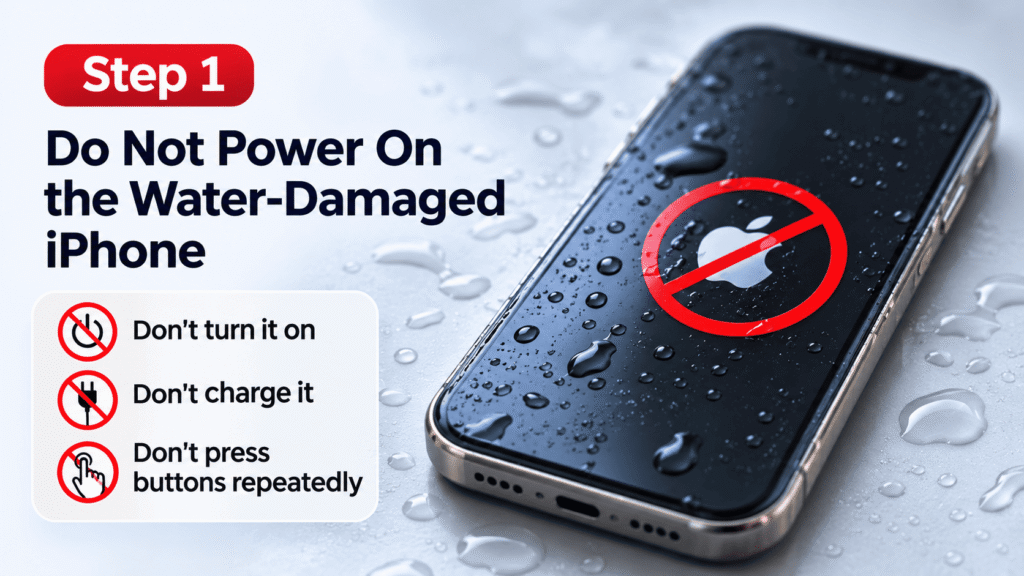
The first and most important step is to avoid powering on the phone.
If the iPhone is wet internally, applying power may cause additional damage. A short circuit can become worse when electricity flows through contaminated or corroded areas.
What should you do first?
- Do not connect the charger.
- Do not repeatedly press the power button.
- Do not attempt to charge the phone.
- Avoid using heat from a hair dryer.
- Remove the phone from any wet environment.
- Take it to a qualified technician for inspection.
If you are a repair technician, begin with a safe disassembly and inspection process before attempting electrical testing.
Step 2: Open the iPhone and Disconnect the Battery
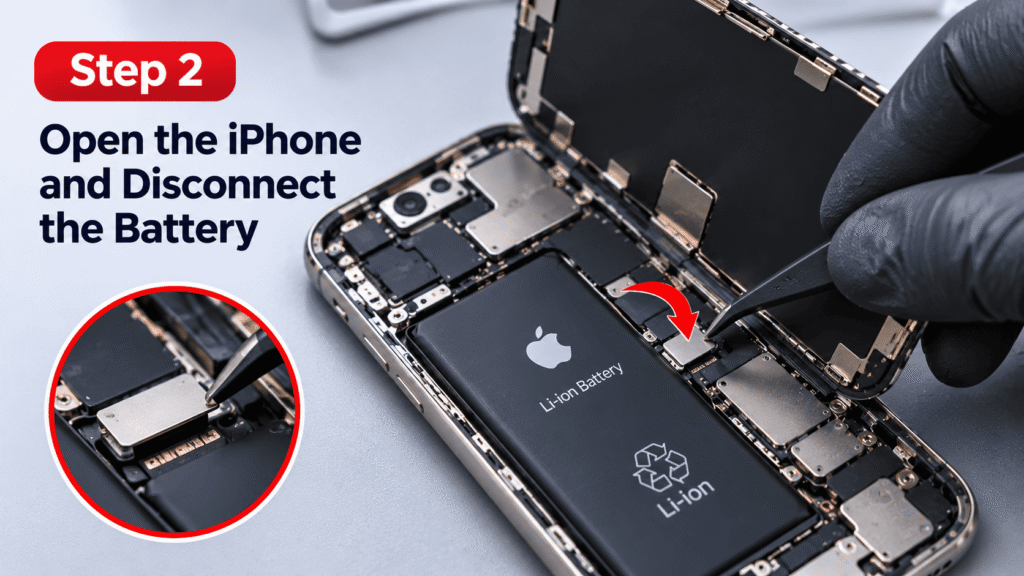
After opening the iPhone using the appropriate model-specific procedure, disconnect the battery before performing motherboard-related inspection or testing.
This is an important safety step because the battery can continue supplying power to the motherboard even when the phone is switched off.
Inspect the internal components
Check carefully for:
- Water marks
- White or green corrosion
- Darkened areas
- Rust near connectors
- Liquid residue
- Damaged flex cables
- Corrosion around shields and connectors
Liquid damage is not always visible immediately. Corrosion may also develop underneath shields or around small components, so a visual inspection should be performed carefully.
Step 3: Inspect the Motherboard Under a Microscope
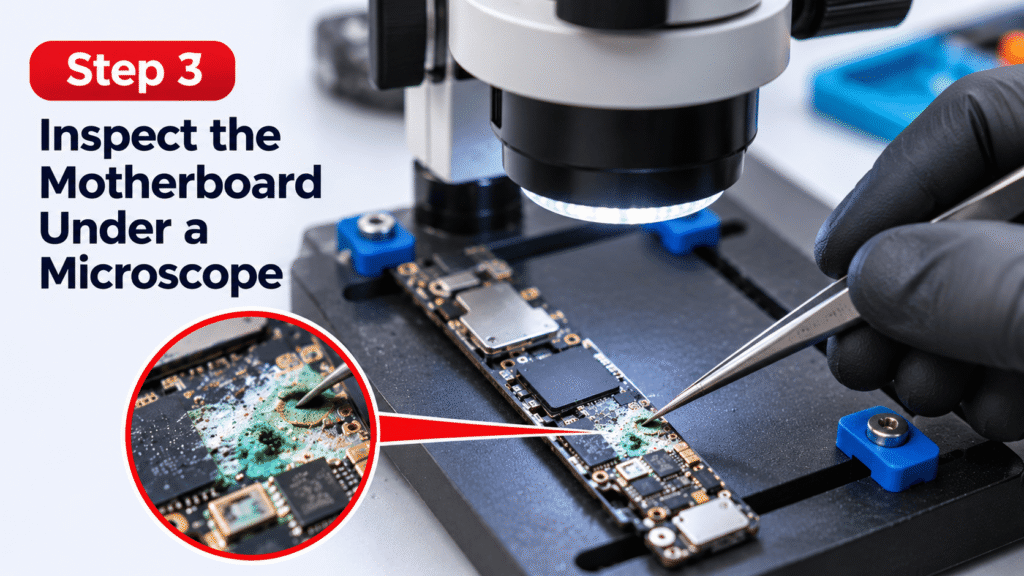
A microscope helps identify small signs of liquid damage that may not be visible to the naked eye.
Look for corrosion around:
- Battery connector
- Charging circuit
- Power management circuit
- Display connectors
- Main motherboard components
- IC edges
- Small capacitors and resistors
- Connector pins
What does corrosion look like?
Corrosion may appear as:
- Green deposits
- White residue
- Dark spots
- Dull or damaged solder joints
- Discolored component surfaces
Do not assume that the area with visible corrosion is the only damaged area. Liquid may travel beneath components or through connector spaces.
Step 4: Perform a Visual Inspection Before Electrical Testing
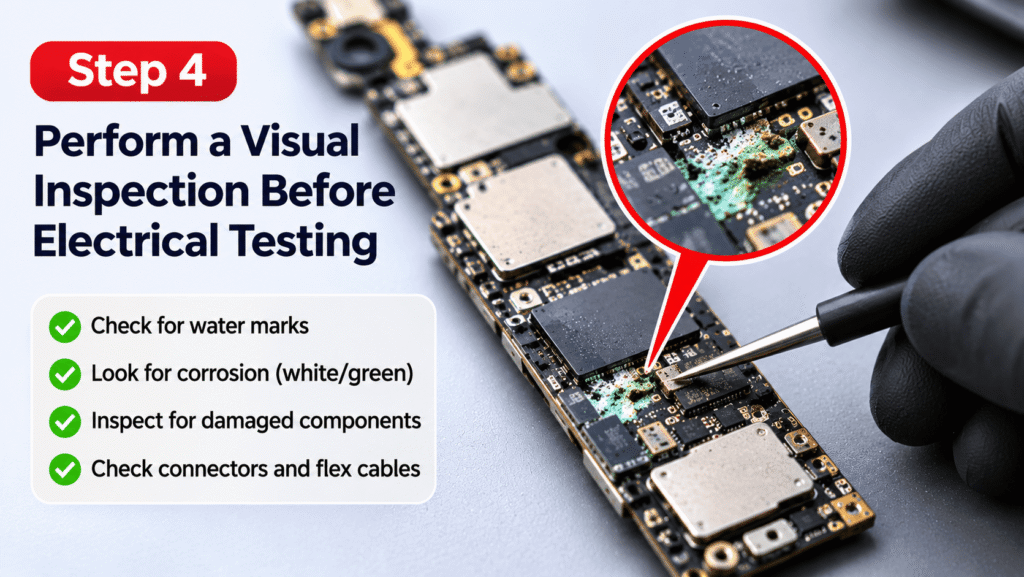
Before checking the board electrically, identify the visibly affected areas.
A technician should carefully inspect the motherboard and note:
- The location of corrosion
- Damaged components
- Connector condition
- Possible liquid entry points
- Areas that may require cleaning
- Signs of previous repair
This helps create a diagnostic plan instead of testing random components.
Why this step matters
Water damage can affect multiple circuits at the same time. A phone may have one visible corrosion point but several electrical problems.
A systematic inspection can prevent unnecessary component removal and reduce the risk of further board damage.
Step 5: Check for Electrical Abnormalities Using a Multimeter
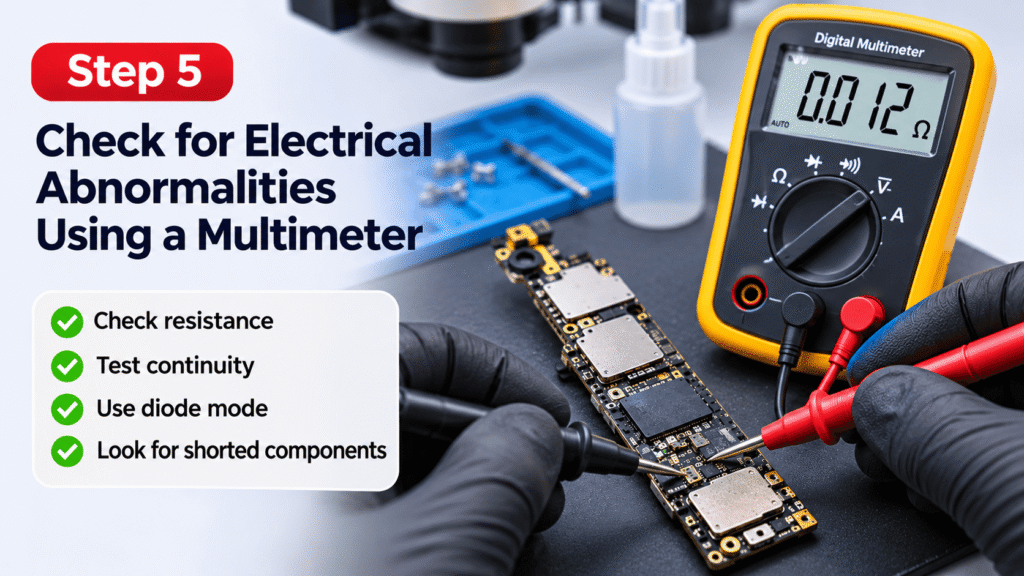
A digital multimeter is one of the most important tools for diagnosing motherboard faults.
Depending on the circuit and the technician’s experience, resistance, continuity, diode-mode, and voltage measurements can help identify abnormal electrical conditions.
What can a multimeter help identify?
- Abnormal resistance readings
- Possible shorted components
- Unexpected electrical connections
- Open circuits
- Faulty connections
- Circuit conditions that require further investigation
Important Note
A low resistance reading does not automatically mean that a circuit is shorted.
Some motherboard circuits naturally have low resistance. The technician must understand the circuit, compare measurements with appropriate references, and avoid removing components based on a single reading.
Step 6: Identify the Affected Circuit
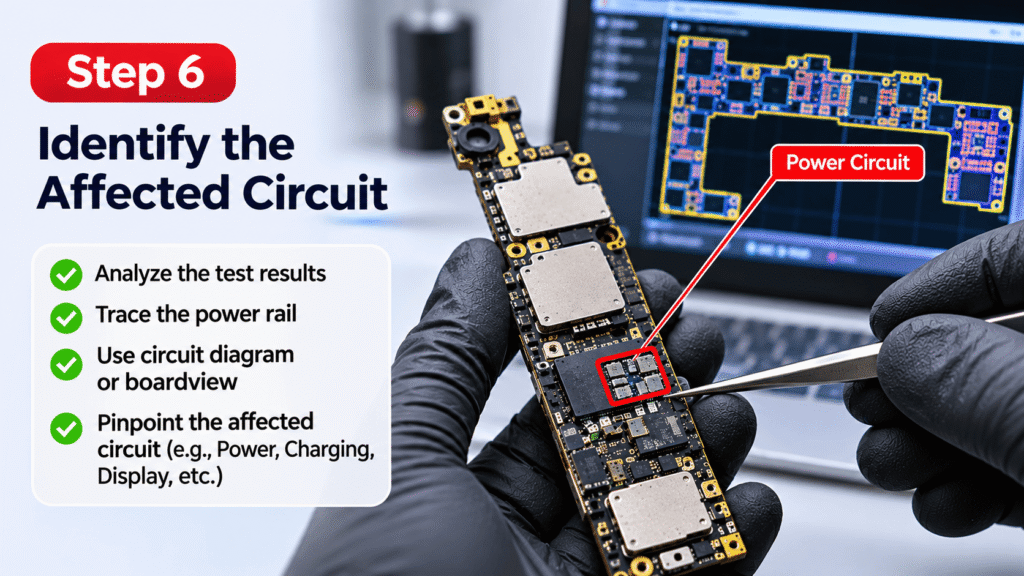
After confirming an electrical abnormality, the next step is to identify which circuit is affected.
The iPhone motherboard contains multiple sections responsible for different functions.
Examples include:
- Power management
- Charging
- CPU-related circuits
- Display
- Audio
- Wireless communication
- Camera
- Battery management
A short circuit may be isolated to a particular circuit, while other parts of the motherboard remain functional.
Use Circuit Information
Professional repair technicians may use:
- Circuit diagrams
- Boardview files
- Component reference numbers
- Circuit tracing
- Known-good measurements
- Previous repair experience
Understanding the circuit is more important than randomly replacing components.
Step 7: Locate the Faulty Component
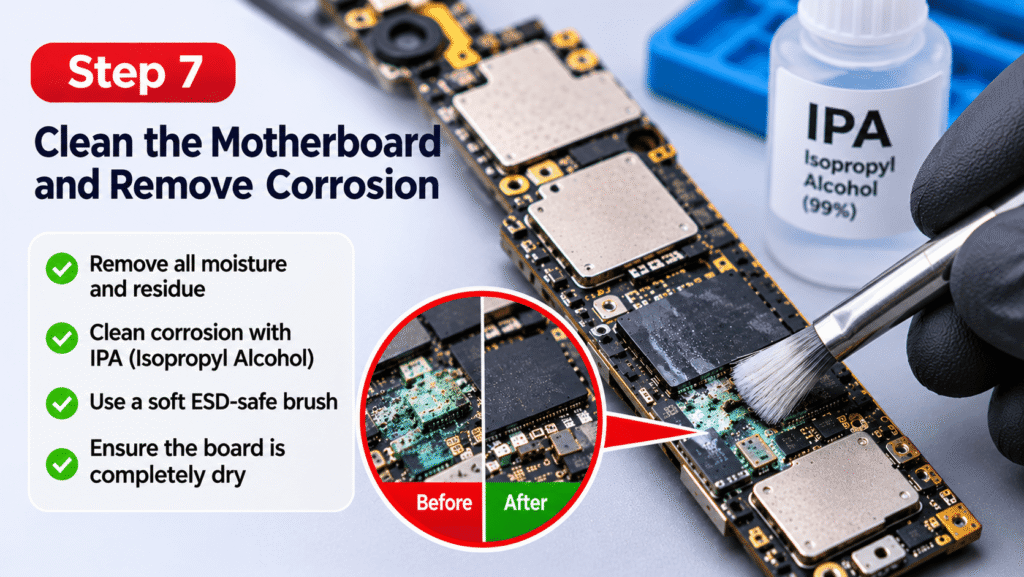
Once the affected circuit has been identified, the technician needs to determine which component is causing the abnormal electrical condition.
Possible faulty components include:
- Capacitors
- Integrated circuits
- Filters
- Diodes
- Connector-related components
- Power circuit components
The faulty component should be identified through appropriate diagnostic evidence.
Avoid Random Component Removal
Removing components without confirming the fault can:
- Damage PCB pads
- Create additional circuit problems
- Waste repair time
- Make the motherboard more difficult to repair
- Reduce the chances of successful data recovery
Experienced technicians use a combination of circuit knowledge, measurement, inspection, and controlled testing.
Step 8: Clean the Water-Damaged Motherboard
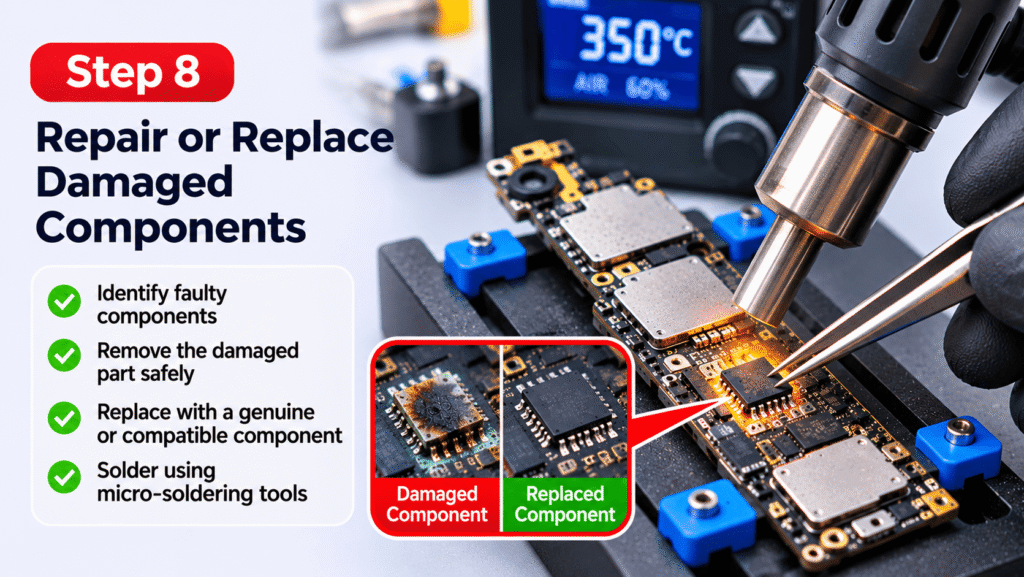
If corrosion or liquid contamination is present, motherboard cleaning may be necessary.
The cleaning process depends on the severity of contamination and the affected components.
Why Cleaning Is Important
Cleaning can help remove:
- Liquid residue
- Corrosion deposits
- Contamination around components
- Conductive material that may affect circuit operation
However, cleaning alone does not repair a damaged IC, broken circuit trace, or failed component.
A motherboard may look clean but still have electrical damage.
Step 9: Repair the Fault and Perform Controlled Testing
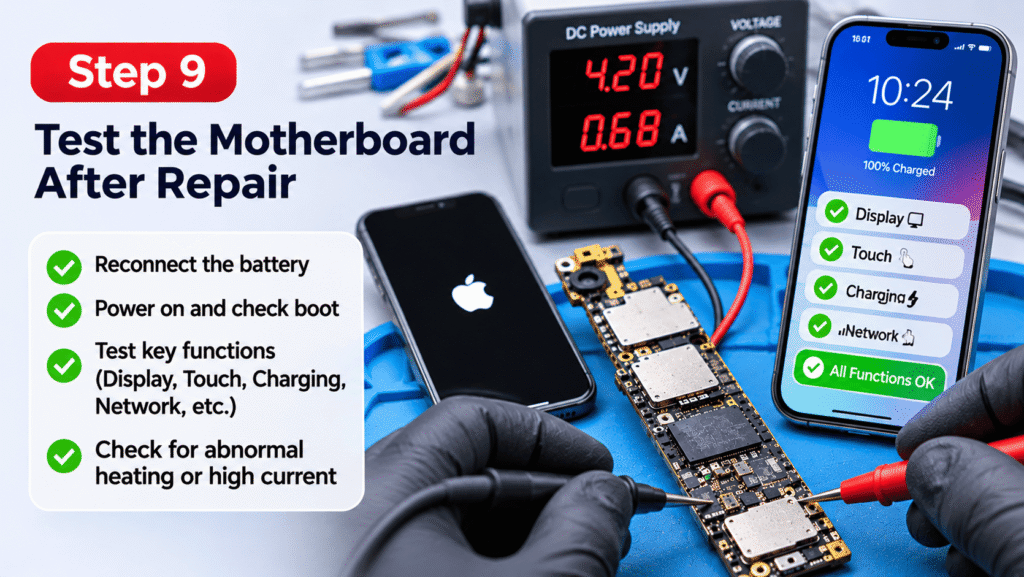
After the faulty area has been identified and repaired, the technician can perform controlled testing to evaluate the motherboard’s condition.
Depending on the repair, this may involve checking:
- Power behavior
- Charging functionality
- Display operation
- Touch functionality
- Battery performance
- Network connectivity
- Camera operation
- Audio functions
The objective is not simply to make the phone turn on. The technician must check whether the repaired device is functioning reliably.
Step 10: Test the iPhone Completely Before Returning It to the Customer
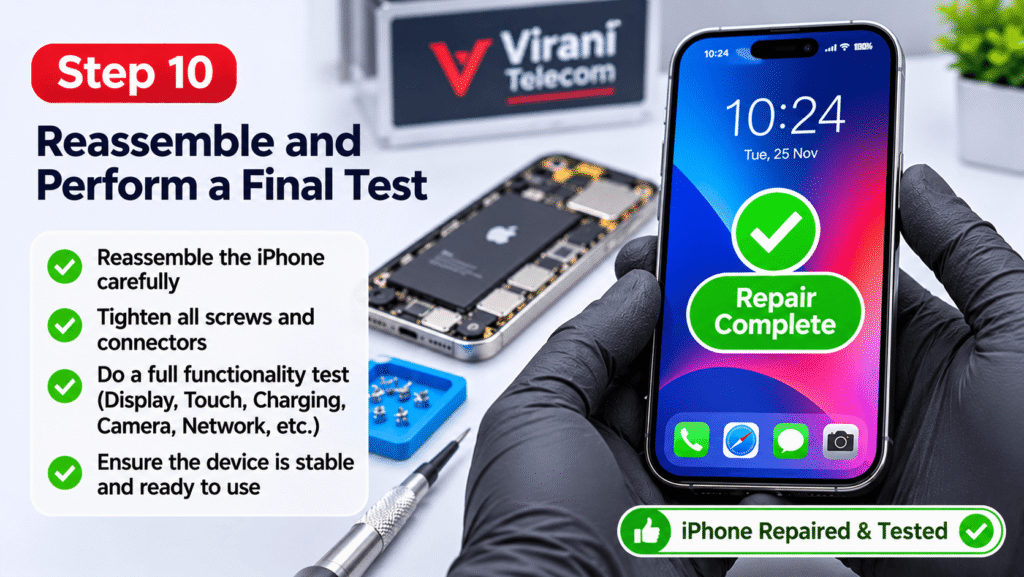
A successful motherboard repair should be followed by a complete functional test.
Before returning the iPhone, check:
- Does the phone boot properly?
- Is the display working correctly?
- Is touch responsive?
- Is the battery charging?
- Are the cameras working?
- Are the speakers and microphone functioning?
- Are Wi-Fi and Bluetooth working?
- Is the network signal available?
- Does the phone restart unexpectedly?
- Are any abnormal heating symptoms present?
Water damage can affect multiple functions, so complete testing is essential.
Common Mistakes During Water-Damaged iPhone Repair
Many repair attempts fail because the technician rushes into the repair without proper diagnosis.
1. Connecting the Charger Immediately
Charging a wet iPhone may worsen electrical damage. Always prioritize proper inspection.
2. Using Excessive Heat
Excessive heat can damage ICs, connectors, plastic components, and nearby circuits.
3. Cleaning Without Diagnosis
Cleaning the motherboard may remove contamination, but it does not automatically solve a short circuit.
4. Replacing Components Randomly
Randomly replacing capacitors or ICs without proper diagnosis can cause more damage.
5. Ignoring Corrosion Under Shields
Visible corrosion may only be part of the problem. Hidden damage can exist under shielding and around components.
6. Returning the Phone Without Proper Testing
A phone that turns on is not necessarily fully repaired. It may still have charging, network, audio, camera, or stability problems.
Can a Water-Damaged iPhone Be Repaired?
Yes, many water-damaged iPhones can be repaired. However, the result depends on several factors.
Repair success depends on:
- How much liquid entered the phone
- How long the phone remained exposed
- Whether the device was powered on during liquid exposure
- The affected motherboard circuits
- The extent of corrosion
- Whether the CPU or critical components are damaged
- Whether previous repair attempts have caused additional damage
Some devices require simple cleaning and component repair, while others need advanced motherboard-level repair.
In severe cases, the motherboard may be damaged beyond economical repair.
What About Data Recovery?
If your iPhone contains important photos, videos, contacts, or business data, avoid repeated power attempts.
The priority should be proper diagnosis and, where possible, preserving the original motherboard and its data-related components. A motherboard replacement may restore phone functionality but does not necessarily recover the data stored on the original board.
Why Professional Water-Damaged iPhone Repair Matters
Water damage is unpredictable. Two iPhones exposed to the same liquid may develop completely different problems.
One phone may only need cleaning, while another may have a short circuit affecting a critical power rail.
Professional diagnosis can help:
- Identify the actual fault
- Avoid unnecessary component replacement
- Reduce the risk of additional damage
- Improve repair accuracy
- Protect important data where possible
- Determine whether repair is economically practical
For complex motherboard issues, experience and the right diagnostic equipment make a significant difference.
Key Takeaways
- Never charge or power on a water-damaged iPhone unnecessarily.
- Disconnect the battery before motherboard-related diagnosis.
- Inspect the motherboard carefully for corrosion and liquid residue.
- Use a multimeter to investigate electrical abnormalities.
- Understand the circuit before removing components.
- Do not assume every low-resistance reading is a short circuit.
- Cleaning alone may not repair electrical damage.
- Perform complete functional testing after repair.
- Seek professional help if the motherboard has severe corrosion or a suspected short circuit.
Dahisar – HO
Shop No 2D Bldg No.2, Labh Darshan, D Wing, Chhatrapati Shivaji Rd, near Subway, Avdhut Nagar, Dahisar East, Mumbai, Maharashtra 400068
Borivali
Shop No.5, Thakkar Shopping Centre, Gyan Nagar, Mhatre Wadi, Borivali West, Mumbai, Maharashtra 400092
Kandivali
Shop No 103, Ground Floor, Raghuleela Mega Mall, Bus Depot, near Poisar, Kandivali, Jai Bhim Sanjay Nagar, Kandivali West, Mumbai, Maharashtra 400067
Frequently Asked Questions (FAQs)
1. How do I know if my water-damaged iPhone has a short circuit?
Common signs include the iPhone not turning on, abnormal current consumption during testing, unexpected heating, charging problems, or repeated restarts. However, these symptoms can also have other causes. Proper motherboard diagnosis is necessary to confirm a short circuit.
2. Can a water-damaged iPhone short circuit even if it is switched off?
Yes. Liquid and corrosion can create unwanted electrical connections on the motherboard. Even when the phone is switched off, some circuits may remain connected to the battery until it is disconnected.
3. Can I repair a water-damaged iPhone at home?
Basic external drying and safe handling may be possible, but motherboard short circuit repair requires specialized tools, diagnostic knowledge, and microsoldering skills. Opening the phone or attempting an electrical repair without experience can cause additional damage.
4. Does cleaning the iPhone motherboard remove a short circuit?
Not always. Cleaning can remove contamination and corrosion, but a short circuit may be caused by a damaged capacitor, IC, circuit trace, or other component. Electrical testing is required after cleaning.
5. Will a water-damaged iPhone turn on after motherboard repair?
It may, depending on the extent of the damage and whether the affected components can be repaired. Some iPhones recover completely, while others may continue to have problems with charging, display, network, Face ID, or other functions.
6. Is data recovery possible from a water-damaged iPhone?
Data recovery may be possible if the original motherboard and essential storage-related components remain recoverable. Avoid repeated power-on attempts and seek professional diagnosis as early as possible, especially if the data is important.
Conclusion
Finding a short circuit in a water-damaged iPhone requires patience, proper tools, and a systematic approach. From the first visual inspection to motherboard testing and component-level diagnosis, every step matters.
The biggest mistake is trying to power on the phone repeatedly or replacing components without understanding the actual problem.
A professional Water-Damaged iPhone Repair process focuses on identifying the fault, repairing the affected circuit, and testing the phone thoroughly before returning it to the customer.
Water damage does not always mean the iPhone is beyond repair. With the right diagnosis and repair techniques, many devices can be restored. However, acting quickly and avoiding unnecessary power attempts can improve the chances of a successful repair.
