

Mobile Touchscreen Not Working? Here’s What You Can Do
Mobile touchscreen not working:
By Virani Telecom | Expert in Smartphone & Mobile Repair Training
Your smartphone touchscreen is the gateway to everything — whether it’s texting, browsing, gaming, or working. But what happens when your mobile touchscreen stops working or becomes unresponsive?
In this article, we’ll walk you through the common causes and practical solutions to fix touchscreen problems on Android and iPhone devices.
🔧 Common Reasons Why Mobile Touchscreen Stops Working
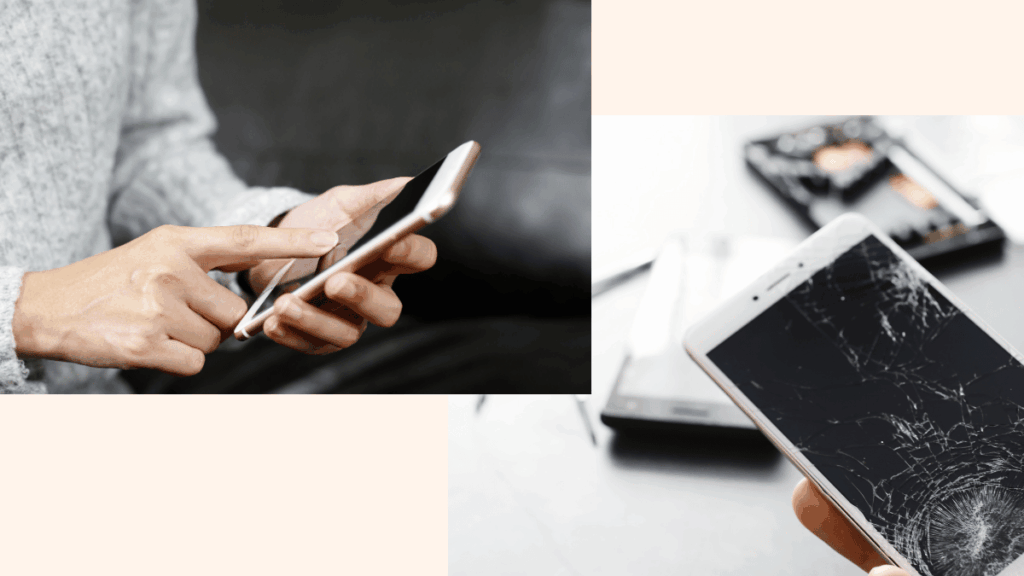
- Physical Damage or Cracks
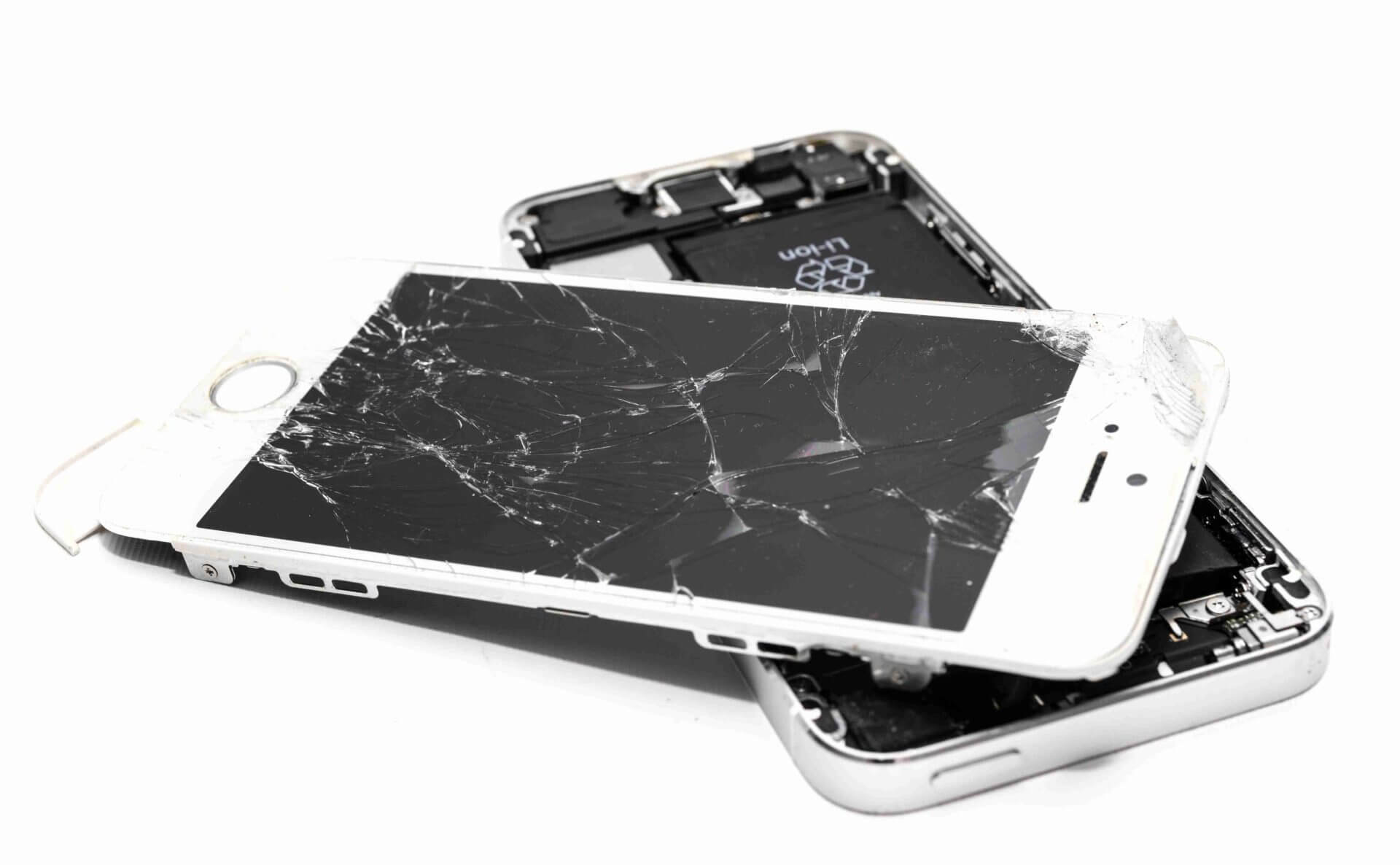
If your screen is cracked or dropped recently, there may be internal damage disrupting the touch sensors. - Moisture or Water Damage
Even a small amount of moisture can mess with the capacitive touch layer. - Overheating Issues
Using your phone while charging or in hot environments can make the screen lag or freeze. - Software Glitches or App Conflicts
A buggy app or system update may cause temporary touchscreen failure. - Faulty Screen Guard or Case
A low-quality or thick screen protector can sometimes block the touch response.
🛠️ What to Do If Mobile Touchscreen Is Not Working
✅ 1. Restart the Phone
- A simple reboot can clear minor software glitches.
- Hold the power button > Tap “Restart”.
✅ 2. Remove Screen Protector or Case
- Take off any guard or thick case to see if touch responsiveness improves.
✅ 3. Check for Software Updates
- Go to Settings > Software Update and install any pending updates.
✅ 4. Boot into Safe Mode (Android Only)
- Press and hold the Power button.
- Long press “Power Off” > Select Safe Mode.
- If the touchscreen works in Safe Mode, an app is likely the culprit.
✅ 5. Use External Mouse (OTG Cable)
- Plug in a USB mouse via OTG cable to backup your data or reset the phone.
✅ 6. Factory Reset (Last Option)
- Backup your data before doing this.
- Go to Settings > System > Reset > Factory Reset.
🧰 When to Seek Professional Help
If none of these solutions work, your phone might have:
- A faulty digitizer
- Damaged motherboard
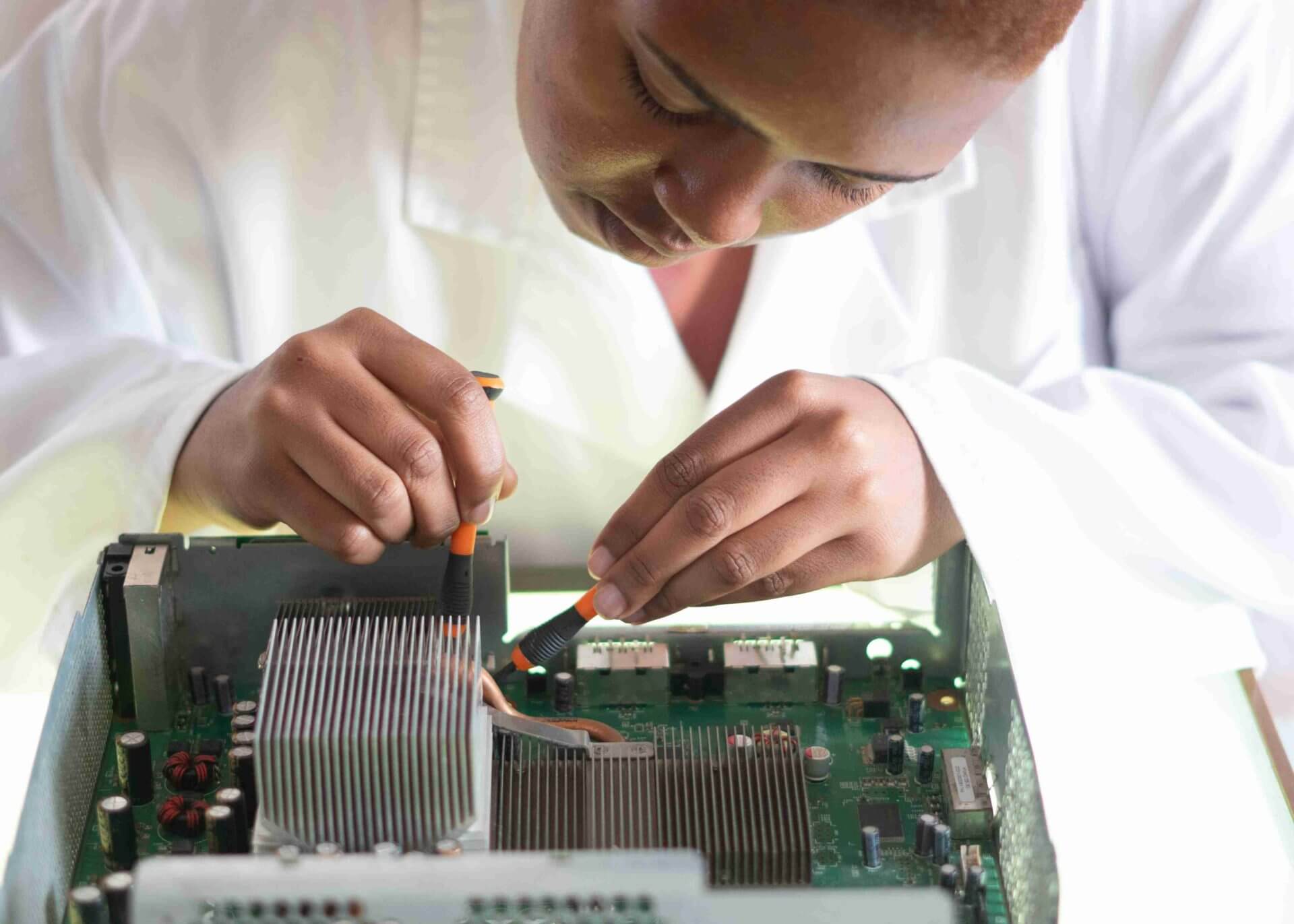
- Short-circuited touch IC chip
In that case, it’s best to visit a certified mobile repair expert or join a professional mobile repair course to learn how to fix it yourself.
📚 Want to Learn How to Repair Mobile Touchscreens?
Virani Telecom offers the Best Mobile Repair Course in Mumbai with Placement — covering:
- Touchscreen IC repair
- Display issues
- Advanced hardware and software repair
- 100% hands-on training + placement support
📍 Whether you’re a beginner or want to upgrade your skills, our course is designed for job-ready results.
🎓 Why Choose Virani Telecom?
✅ ISO Certified Institute
✅ 15+ Years of Training Experience
✅ Live Practical on Dead Phones
✅ Government Affiliated Certification
✅ Lifetime Technical Support
📝 Final Thoughts on Mobile touchscreen not working
When your mobile touchscreen is not working, try these DIY methods first. But for advanced repair or job opportunities, consider enrolling in a professional repair course.
📞 Ready to Join?
📞 Call Us: +91 70705 03050
🌍 Website: viranitelecom.com
Virani Telecom today – we’re just one call away from fixing your iPhone!
- X (Twitter): @viranitelecom4u
- Instagram: @viranitelecom4u
- Facebook: viranitelecom4u
Dahisar – HO
Shop No 2D Bldg No.2, Labh Darshan, D Wing, Chhatrapati Shivaji Rd, near Subway, Avdhut Nagar, Dahisar East, Mumbai, Maharashtra 400068
Dahisar – VT1
Shop no 98, Orchid Plaza, behind Movie Time, Theatre, Dahisar East, Mumbai, Maharashtra 400068
Borivali
Shop No.5, Thakkar Shopping Centre, Gyan Nagar, Mhatre Wadi, Borivali West, Mumbai, Maharashtra 400092
Kandivali
Shop No 103, Ground Floor, Raghuleela Mega Mall, Bus Depot, near Poisar, Kandivali, Jai Bhim Sanjay Nagar, Kandivali West, Mumbai, Maharashtra 400067
Andheri
Shop No 18 2nd Floor, Swami Vivekananda Rd, near Railway Colony, Madhav Nagar, Railway Colony, Andheri West, Mumbai, Maharashtra 400058
📲 Virani Telecom is your trusted partner to make you a skilled technician with real-world expertise.

Chetan Virani
June 6, 2025Best hai , Sahi hai …