




iPhone iOS Update Stuck? What to Do Now? Here’s a Complete Fix Guide
iPhone iOS Update Stuck:
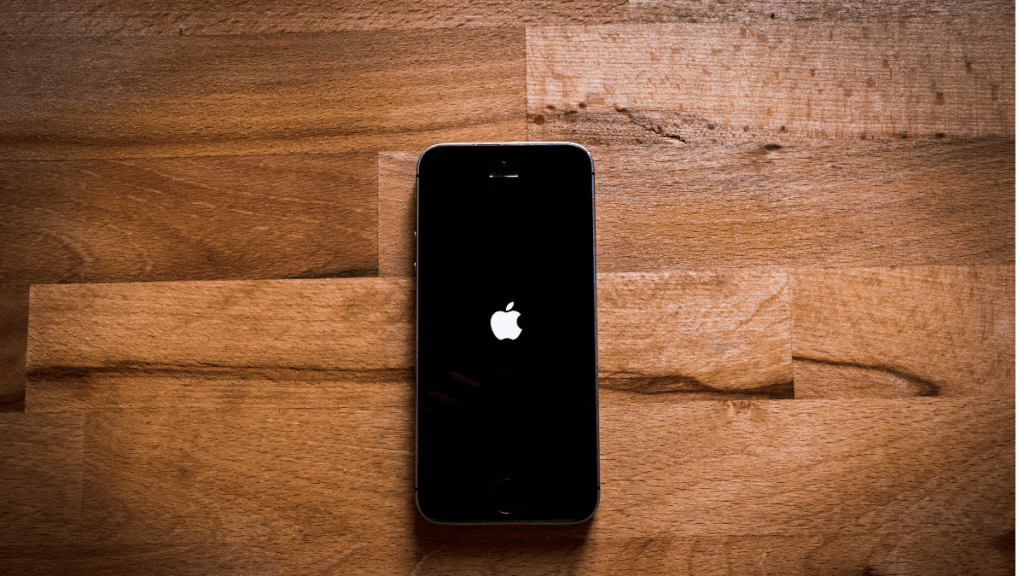
Is your iPhone stuck on the iOS update screen? It happens more often than you think. You press “Update Now”, and then your iPhone freezes on the Apple logo or a loading bar. Don’t worry — you’re not alone, and Virani Telecom is here to help you fix it quickly.
As the Best Apple iPhone Service Center in Mumbai with 5 branches (Dahisar East, Dahisar West, Borivali, Kandivali, Andheri), we’ve solved hundreds of cases like this.
Let’s walk you through why this happens and how to fix it yourself before visiting a professional.
⚠️ Why Does the iPhone iOS Update Get Stuck?
There are several common reasons:
- Poor or unstable internet connection during update.
- Not enough storage space on the iPhone.
- Battery too low or update interrupted.
- Software glitch or corrupted update file.
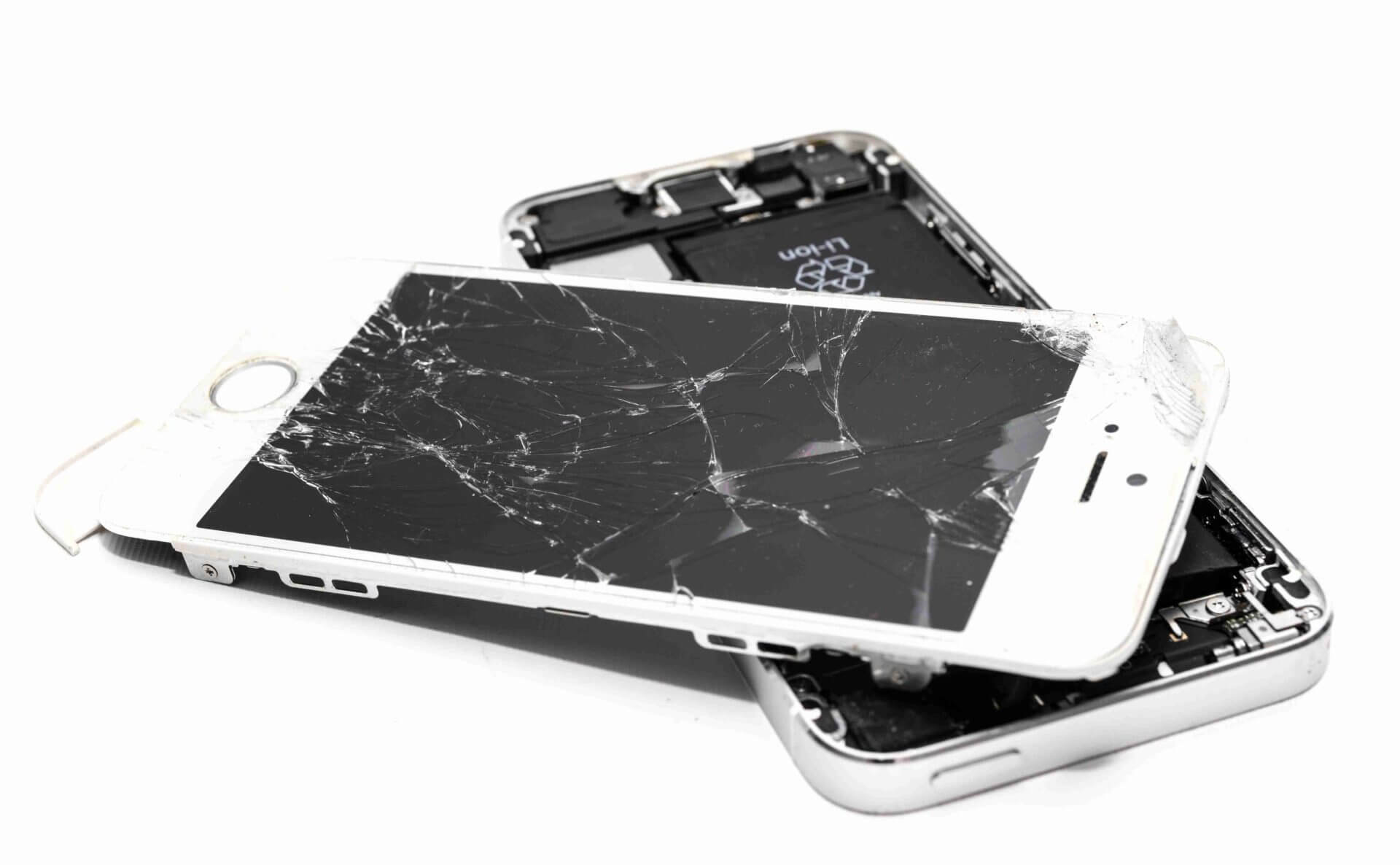
- Hardware problems like a failing battery or NAND memory chip.
🔧 Fix 1: Force Restart Your iPhone
Try this first. It won’t delete any data.
For iPhone 8 or later:
- Press and quickly release the Volume Up button.
- Press and quickly release the Volume Down button.
- Hold the Side Button until you see the Apple logo.
For iPhone 7 / 7 Plus:
- Hold the Volume Down + Power Button together until the Apple logo appears.
For iPhone 6s or earlier:
- Hold the Home Button + Power Button together until the logo appears.
🧹 Fix 2: Free Up Storage Space
If your iPhone is low on storage, updates might fail.
- Go to Settings > iPhone Storage.
- Delete unnecessary apps, photos, or large files.
- Try updating again.
🧑💻 Fix 3: Use iTunes or Finder (PC or Mac)
If your phone won’t respond:
- Connect your iPhone to your computer via USB.
- Open iTunes (Windows) or Finder (macOS Catalina and above).
- Enter Recovery Mode:
- Same steps as force restart, but keep holding until the Recovery Mode screen appears.
- Choose Update (not Restore) to reinstall iOS without deleting data.
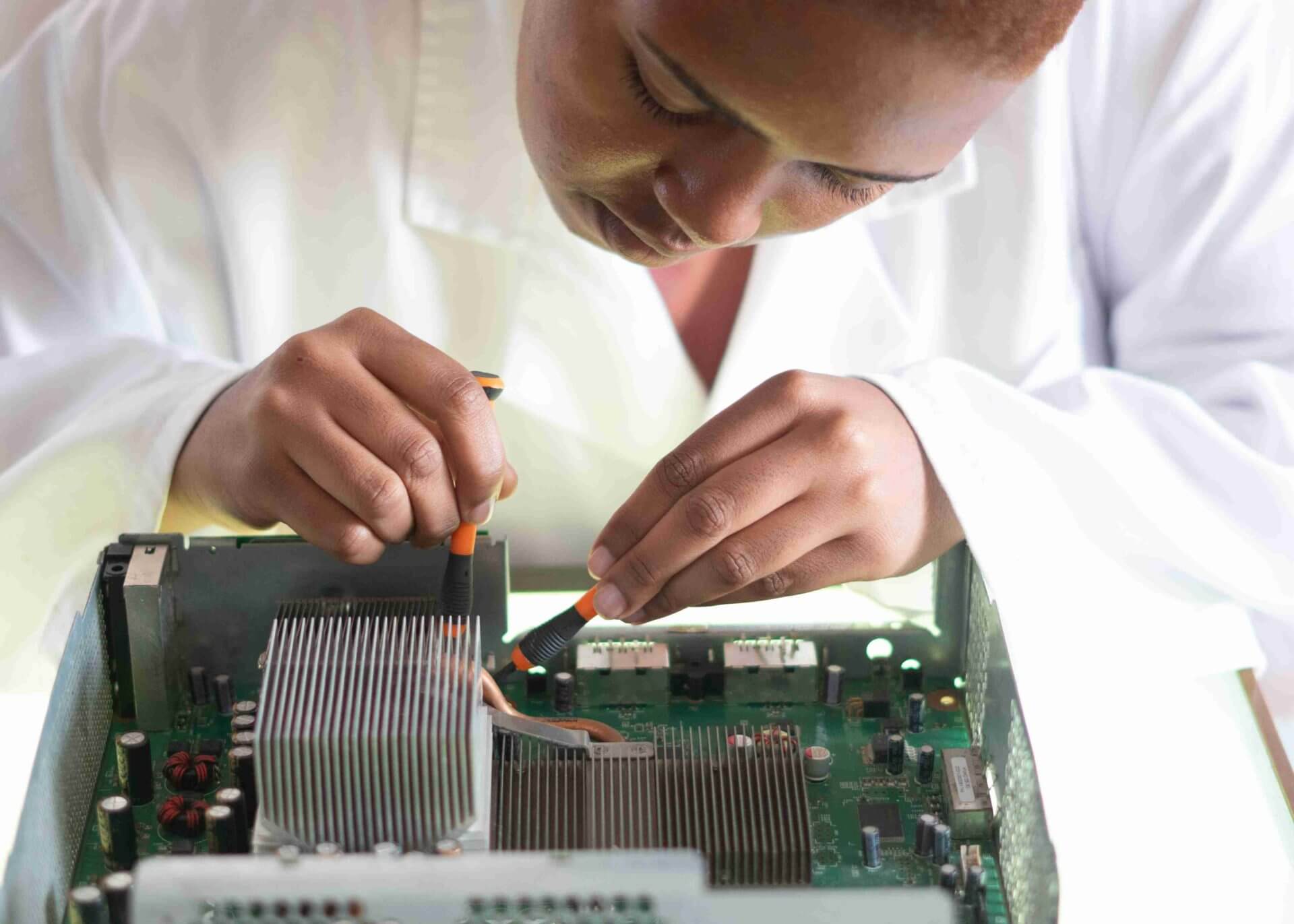
🧰 Fix 4: Visit a Professional Service Center
If the update still doesn’t work, it could be a hardware problem like:
- Faulty PMIC (Power IC)
- Battery issues
- NAND chip failure
In that case, it’s time to visit Virani Telecom – Best Apple iPhone Service Center in Mumbai.
We have 5 expert centers:
- Dahisar – HO
Shop No 2D Bldg No.2, Labh Darshan, D Wing, Chhatrapati Shivaji Rd, near Subway, Avdhut Nagar, Dahisar East, Mumbai, Maharashtra 400068 - Dahisar – VT1
Shop no 98, Orchid Plaza, behind Movie Time, Theatre, Dahisar East, Mumbai, Maharashtra 400068 - Borivali
Shop No.5, Thakkar Shopping Centre, Gyan Nagar, Mhatre Wadi, Borivali West, Mumbai, Maharashtra 400092 - Kandivali
Shop No 103, Ground Floor, Raghuleela Mega Mall, Bus Depot, near Poisar, Kandivali, Jai Bhim Sanjay Nagar, Kandivali West, Mumbai, Maharashtra 400067 - Andheri
Shop No 18 2nd Floor, Swami Vivekananda Rd, near Railway Colony, Madhav Nagar, Railway Colony, Andheri West, Mumbai, Maharashtra 400058
We use Apple-grade diagnostic tools and offer quick turnaround for all update and hardware-related problems.
✅ Why Choose Virani Telecom?
- 🔧 Expert Technicians with 10+ Years of Experience
- 🏆 5 Convenient Service Locations in Mumbai
- ✅ Genuine Parts and Transparent Pricing
- 📞 Free Diagnosis + On-Call Support
- 💯 Trusted by 25,000+ Happy Customers
📝 Final Words
Don’t panic if your iPhone gets stuck during an iOS update. Try the DIY fixes above. If that doesn’t help, just walk into the nearest Virani Telecom center for a quick and professional solution.
📲 Need Help Now?
Call us or Visit Your Nearest Center Today:
Virani Telecom – Best Apple iPhone Service Center in Mumbai
📞 Call: +91 70705 03050
🌐 Website: viranitelecom.com
📍 Locations: Dahisar | Borivali | Kandivali | Andheri

Chetan Virani
June 23, 2025Wow great 👍