



How to Perform a Full Diagnostic Test on an Apple iPhone
Apple iPhone Diagnostic Test: Your iPhone is one of the most important devices in your daily life. You use it for work, entertainment, banking, photography, and communication. But what happens when it starts slowing down, the battery drains quickly, or the touchscreen becomes unresponsive?
Many people ignore these early warning signs until the problem becomes serious. Fortunately, performing a full diagnostic test on your Apple iPhone can help you detect hidden issues before they become expensive repairs.
In this complete beginner’s guide from Virani Telecom, you will learn how to check your iPhone’s hardware, battery, display, sensors, speakers, cameras, charging port, and software health step by step.
Whether you own the latest iPhone or an older model, this guide will help you keep your device in excellent condition.
Why Should You Perform an iPhone Diagnostic Test?
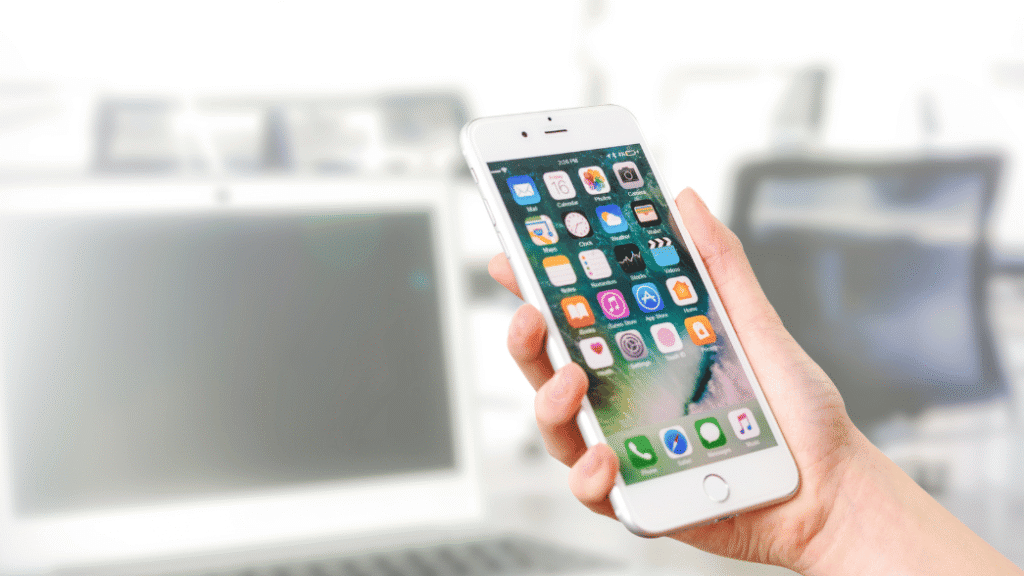
A diagnostic test helps you understand your iPhone’s overall health.
It can identify problems like:
- Battery health issues
- Charging problems
- Display defects
- Camera malfunction
- Speaker issues
- Microphone faults
- Face ID problems
- Network connectivity issues
- Sensor failures
- Software glitches
Finding these problems early can save both time and money.
Signs That Your iPhone Needs a Diagnostic Test
You should check your iPhone if you notice any of these symptoms:
- Battery drains very fast
- Phone gets hot while charging
- Apps crash frequently
- Slow performance
- Touchscreen not responding properly
- Camera becomes blurry
- Face ID not working
- Speaker sound is low
- Charging cable disconnects often
- Random restarts
If you experience any of these issues, a diagnostic check is highly recommended.
What Can an iPhone Diagnostic Test Check?
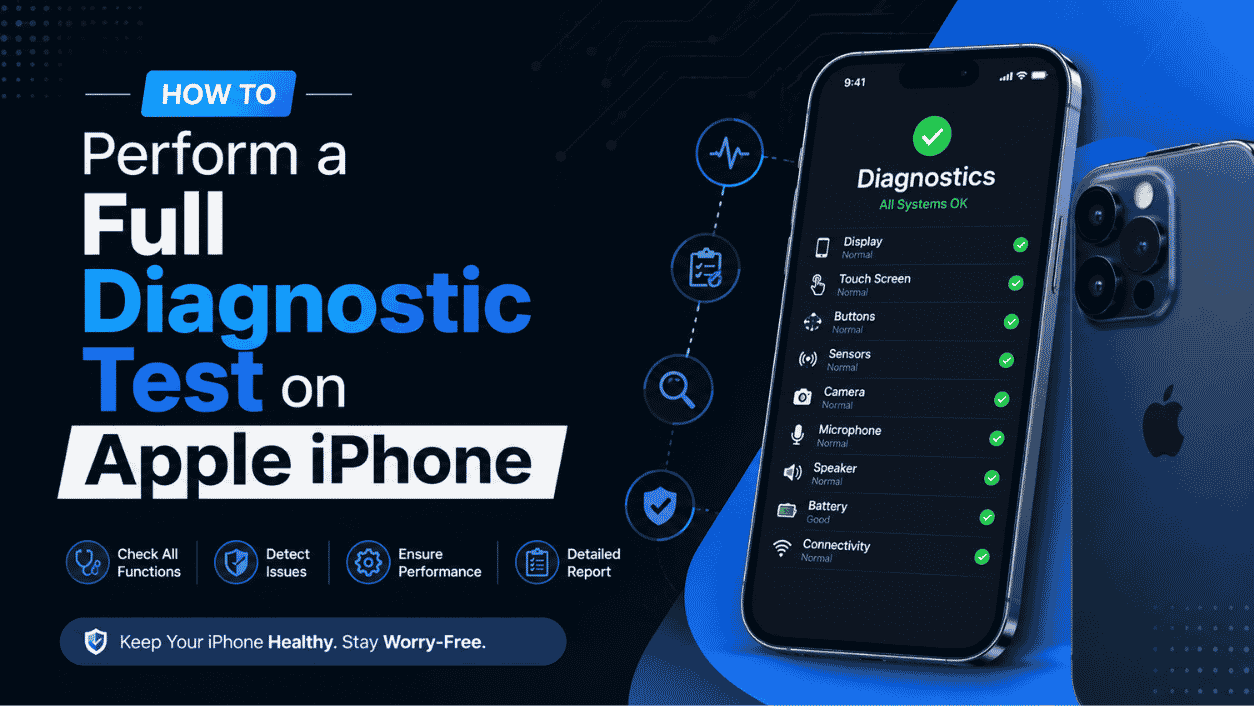
A complete diagnostic test usually covers:
Battery Health
The battery is one of the first parts that wears out.
It checks:
- Battery capacity
- Charge cycles
- Peak performance
- Battery health percentage
Display Test
This test checks:
- Dead pixels
- Touch response
- Brightness
- Color accuracy
- Screen flickering
Camera Test
The diagnostic checks:
- Front camera
- Rear camera
- Autofocus
- Flash
- Video recording
- Lens clarity
Speaker Test
It verifies:
- Speaker volume
- Audio distortion
- Earpiece quality
- Stereo balance
Microphone Test
Checks whether:
- Voice recording is clear
- Calls sound normal
- Siri hears commands correctly
Charging Test
This identifies:
- Charging speed
- Charging port damage
- Cable detection
- Power delivery issues
Network Test
Checks:
- Wi-Fi
- Bluetooth
- Mobile network
- GPS
- NFC
- AirDrop connectivity
Sensor Test
Tests various sensors including:
- Proximity sensor
- Ambient light sensor
- Accelerometer
- Gyroscope
- Compass
- Barometer
Face ID and Touch ID Test
Depending on your iPhone model, diagnostics check:
- Face recognition
- Fingerprint authentication
- Secure Enclave functionality
How to Check Battery Health on iPhone
Apple provides a built-in battery health feature.
Follow these steps:
- Open Settings
- Tap Battery
- Select Battery Health & Charging
- Check:
- Maximum Capacity
- Peak Performance Capability
If battery health is below 80%, replacing the battery is recommended.
Run Apple Diagnostics During Repair
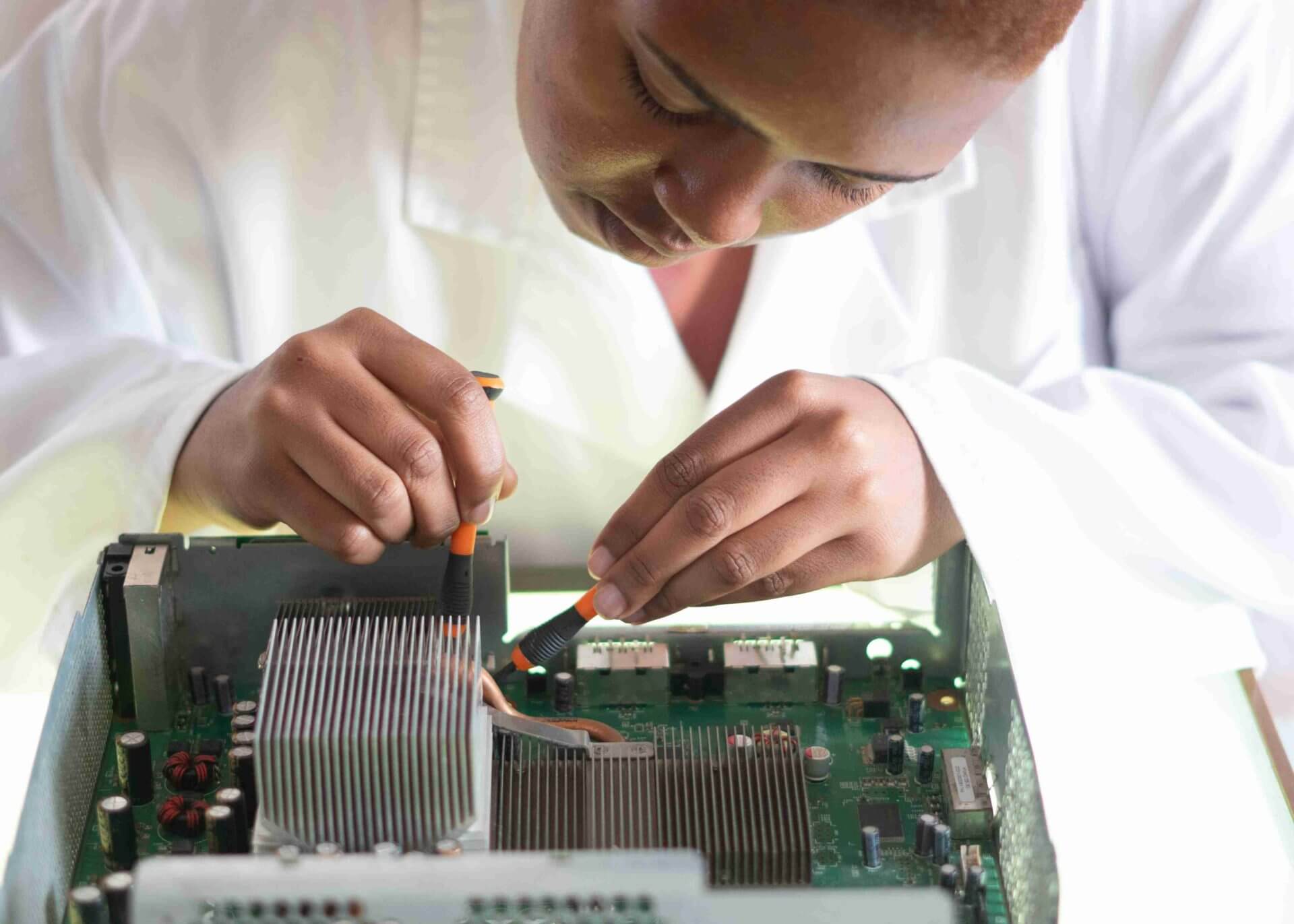
When you visit an Apple-authorized repair provider, advanced diagnostic tools can test:
- Logic board
- Charging IC
- Display circuits
- Camera modules
- Battery performance
- Face ID hardware
- Internal sensors
These professional tools detect problems that regular users cannot see.
Test Your iPhone Manually
You can also perform a simple inspection yourself.
Check Display
- Increase brightness
- Look for dead pixels
- Test touch in every corner
Test Camera
Take:
- Selfie
- Portrait photo
- Normal photo
- Video
Check image quality and focus.
Test Speakers
Play music at full volume.
Listen for:
- Crackling sound
- Distortion
- Low volume
Test Microphone
Open Voice Memos.
Record your voice.
Play it back to hear if it sounds clear.
Test Charging Port
Connect your charger.
Check:
- Charging starts immediately
- Cable fits properly
- No loose connection
Test Face ID
Go to:
Settings → Face ID & Passcode
Try unlocking your phone.
If it fails repeatedly, professional diagnosis is needed.
Best Apps for Basic iPhone Testing
Some trusted apps can help monitor your iPhone.
Examples include:
- Battery monitoring apps
- Storage analyzer apps
- Network speed testing apps
- Device information apps
These apps provide useful information but cannot perform deep hardware diagnostics like professional repair equipment.
When Should You Visit a Professional Technician?
Visit a trusted repair expert if you notice:
- Water damage
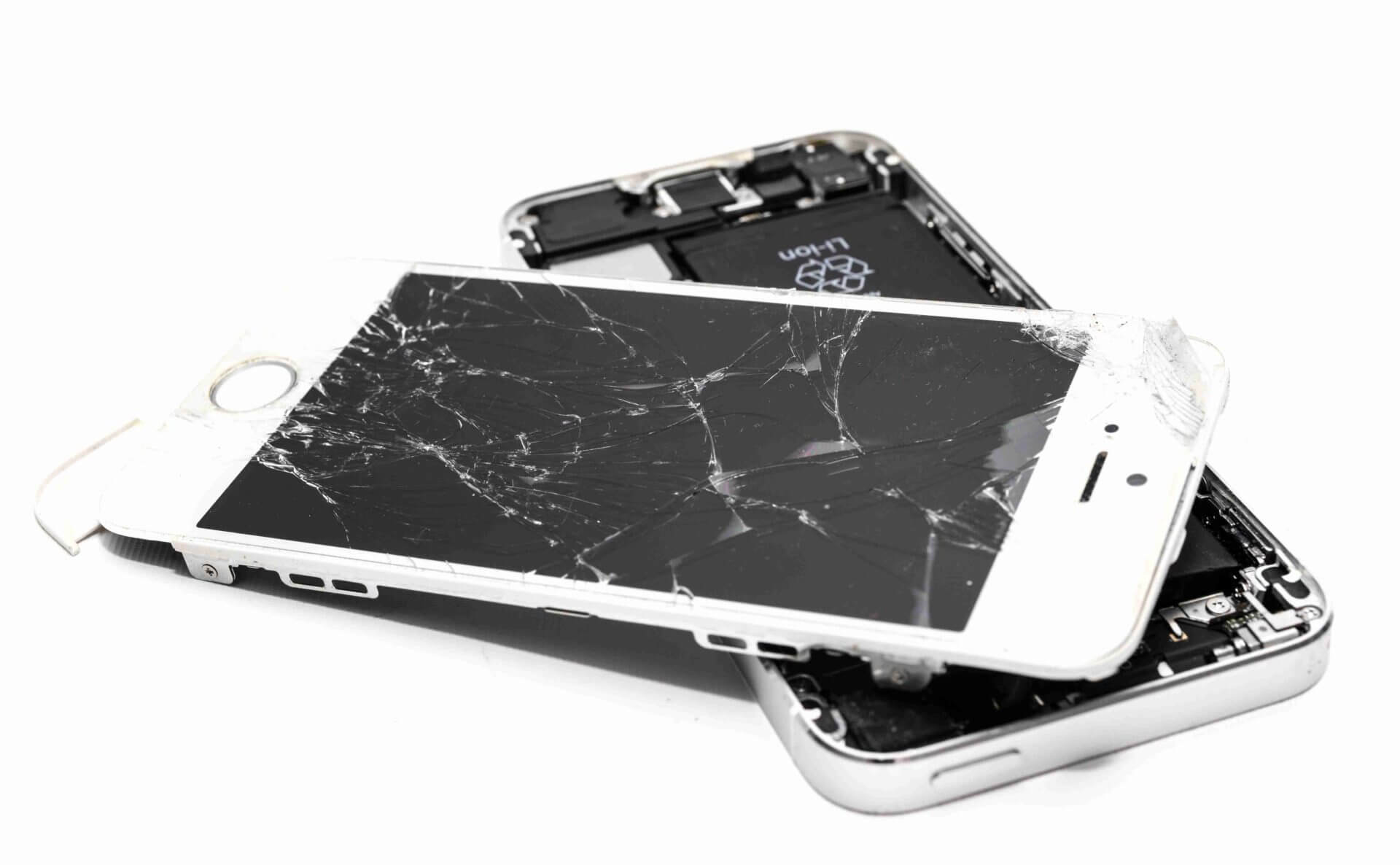
- Cracked screen
- Charging issues
- Battery swelling
- Face ID failure
- Camera not working
- Speaker malfunction
- Motherboard issues
- iPhone stuck on Apple logo
- Frequent restarting
Professional diagnostics can identify the exact cause and prevent unnecessary repairs.
Tips to Keep Your iPhone Healthy
Follow these simple maintenance tips:
- Update iOS regularly.
- Avoid duplicate or unknown apps.
- Use original charging accessories.
- Keep storage at least 20% free.
- Avoid extreme temperatures.
- Clean the charging port carefully.
- Restart your iPhone occasionally.
- Enable battery optimization.
- Protect your phone with a quality case.
- Back up your data regularly.
These habits can improve your iPhone’s performance and lifespan.
Why Choose Virani Telecom?
Virani Telecom has years of experience in diagnosing and repairing Apple devices with precision.
We Offer
- Complete iPhone diagnostics
- Battery replacement
- Display replacement
- Charging port repair
- Water damage repair
- Camera repair
- Face ID diagnosis
- Speaker and microphone repair
- Logic board repair
- Genuine quality spare parts
- Experienced technicians
- Fast turnaround time
- Affordable pricing
Our goal is to provide reliable repairs with honest advice so your iPhone performs like new again.
Key Takeaways
- A diagnostic test helps detect hidden iPhone problems early.
- Check battery health regularly.
- Test the display, camera, speakers, microphone, and charging port.
- Keep your iPhone updated and well maintained.
- Professional diagnostics are essential for hardware-related issues.
- Early detection helps avoid expensive repairs.
Conclusion (Apple iPhone Diagnostic Test)
Your iPhone works hard every day, so it deserves regular care. A full diagnostic test is one of the easiest ways to detect small issues before they turn into major problems. Whether you’re experiencing battery drain, charging issues, poor camera performance, or unexpected slowdowns, taking the time to check your device can save you from costly repairs later.
If you are unsure about the condition of your iPhone, don’t guess. Let experienced professionals inspect it using advanced diagnostic tools and provide the right solution.
Contact Virani Telecom Today
Is your iPhone showing signs of trouble?
Visit Virani Telecom for a complete professional iPhone diagnostic test. Our experienced technicians carefully inspect every important component and recommend only the repairs your device truly needs.
Book your diagnostic today and keep your iPhone performing at its best.
Dahisar – HO
Shop No 2D Bldg No.2, Labh Darshan, D Wing, Chhatrapati Shivaji Rd, near Subway, Avdhut Nagar, Dahisar East, Mumbai, Maharashtra 400068
Borivali
Shop No.5, Thakkar Shopping Centre, Gyan Nagar, Mhatre Wadi, Borivali West, Mumbai, Maharashtra 400092
Kandivali
Shop No 103, Ground Floor, Raghuleela Mega Mall, Bus Depot, near Poisar, Kandivali, Jai Bhim Sanjay Nagar, Kandivali West, Mumbai, Maharashtra 400067
Frequently Asked Questions (Apple iPhone Diagnostic Test)
1. What is an iPhone diagnostic test?
An iPhone diagnostic test checks the health of your device’s hardware and software, including the battery, display, cameras, speakers, charging port, sensors, and overall system performance.
2. Can I perform an iPhone diagnostic at home?
Yes. You can check battery health, display, cameras, speakers, microphones, and charging functions manually. However, advanced hardware diagnostics require professional equipment.
3. How often should I test my iPhone?
A complete diagnostic every six to twelve months is a good practice, especially if you use your iPhone daily.
4. Does a diagnostic test delete my data?
No. A standard diagnostic test only checks your device’s condition and does not erase personal data.
5. What is considered good battery health?
Battery health above 80% is generally considered good. Below 80%, replacing the battery can improve performance and reliability.
6. Can diagnostics detect water damage?
Yes. Professional technicians can identify signs of water damage, corrosion, and internal component failure that may not be visible from the outside.
