



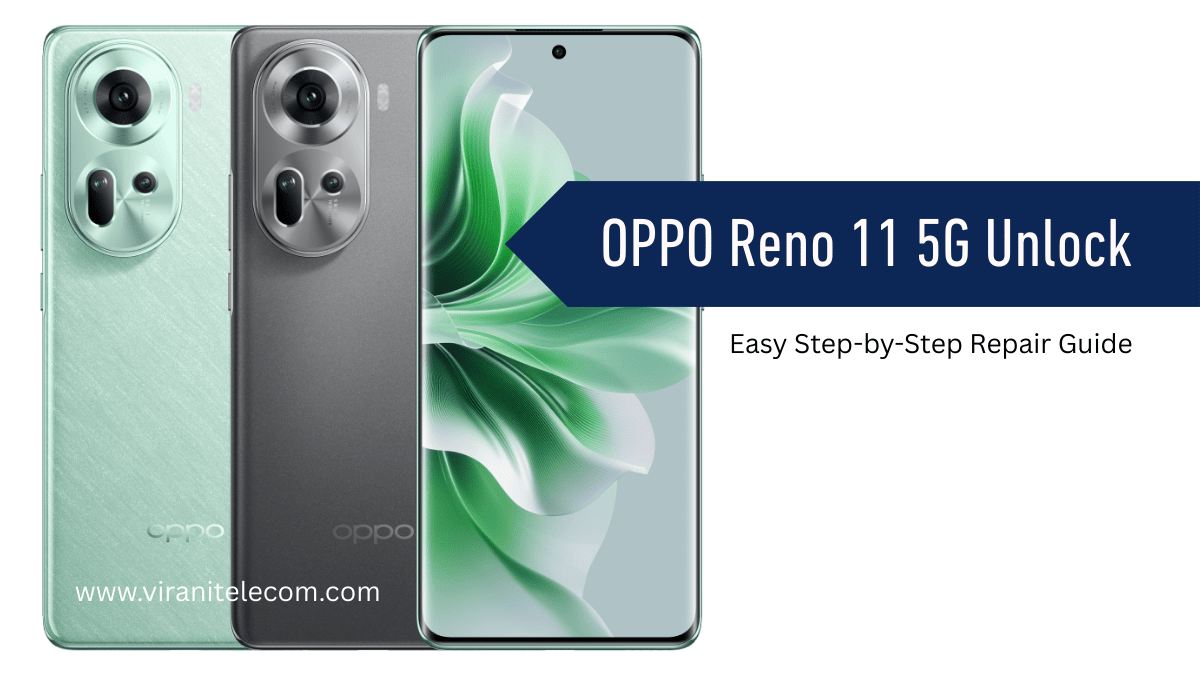
OPPO Reno 11 5G Unlock – Easy Step-by-Step Repair Guide
OPPO Reno 11 5G Unlock:
OPPO Reno 11 5G Unlock – Easy Step-by-Step Repair Guide
If your OPPO Reno 11 5G is locked and you need a safe, professional, and easy unlocking solution, you’re in the right place. At Virani Telecom, the Best Oppo Mobile Repair Service Center in Mumbai, India, we make mobile repairs easy to understand with step-by-step guidance.
Whether you forgot your password, got locked out after too many incorrect attempts, or your device is carrier-locked, our guide will help you unlock it smoothly—without risking damage to your phone.
Why Choose Virani Telecom for Your OPPO Reno 11 5G Unlock?
- Certified Technicians with years of mobile repair experience.
- Latest Tools & Technology for quick and safe unlocking.
- Transparent Pricing – No hidden charges.
- Trusted in Mumbai – Known as the Best Mobile Repair Shop in Mumbai.
Video Learning – Unlock OPPO Reno 11 5G
We’ve created a detailed video tutorial so you can follow along step-by-step. This ensures you don’t miss any important steps during the unlocking process.
Step-by-Step OPPO Reno 11 5G Unlock Process
Step 1: Backup Your Data
Before unlocking, ensure all your important files, photos, and contacts are backed up to Google Drive or an external device.
Step 2: Identify Your Lock Type
Check whether your phone is locked due to a forgotten password, PIN, pattern, or carrier restriction.
Step 3: Prepare the Required Tools
- Original USB cable
- Computer or Laptop
- OPPO official unlock tool / software
- Internet connection
Step 4: Enable USB Debugging & OEM Unlock
If your phone is accessible, go to Settings → About Phone → Tap Build Number 7 times to enable Developer Options, then turn on USB Debugging and OEM Unlock.
Step 5: Connect Your Device to the Computer
Use your original USB cable for a stable connection.
Step 6: Run the Unlock Tool
Follow the on-screen instructions in the OPPO unlock software to begin the unlocking process.
Step 7: Verify & Reboot
Once the unlocking process is complete, restart your device and verify that it’s successfully unlocked.
Common Issues & Fixes During OPPO Reno 11 5G Unlock
- Device Not Detected: Check USB cable and drivers.
- Unlock Failed: Ensure correct software version.
- Stuck in Boot Loop: Perform a factory reset after unlocking.
Visit Us for Professional Help
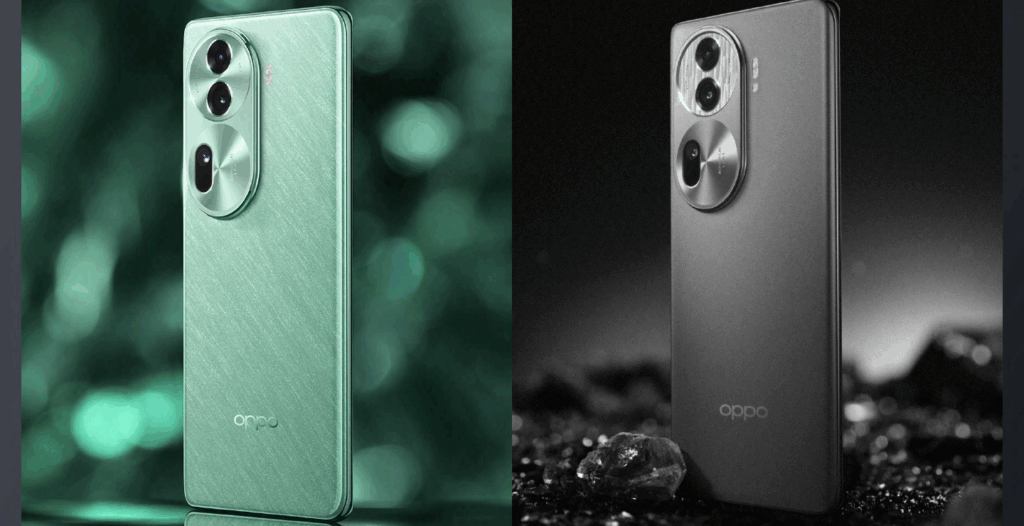
If you’re not confident in doing it yourself, visit Virani Telecom, the Best Mobile Repair Service Center in Mumbai, India, for a quick and safe unlock service.
📞 Call/WhatsApp: +91 70705 03050
📍 Address:
- Dahisar – HO
Shop No 2D Bldg No.2, Labh Darshan, D Wing, Chhatrapati Shivaji Rd, near Subway, Avdhut Nagar, Dahisar East, Mumbai, Maharashtra 400068 - Dahisar – VT1
Shop no 98, Orchid Plaza, behind Movie Time, Theatre, Dahisar East, Mumbai, Maharashtra 400068 - Borivali
Shop No.5, Thakkar Shopping Centre, Gyan Nagar, Mhatre Wadi, Borivali West, Mumbai, Maharashtra 400092 - Kandivali
Shop No 103, Ground Floor, Raghuleela Mega Mall, Bus Depot, near Poisar, Kandivali, Jai Bhim Sanjay Nagar, Kandivali West, Mumbai, Maharashtra 400067 - Andheri
Shop No 18 2nd Floor, Swami Vivekananda Rd, near Railway Colony, Madhav Nagar, Railway Colony, Andheri West, Mumbai, Maharashtra 400058
